ENGLISH
37
Chapter 3 Using the LCD TV
Press the ▼ button to select the desired channel, andpress the
OK button repeatedly to select show () or hide()
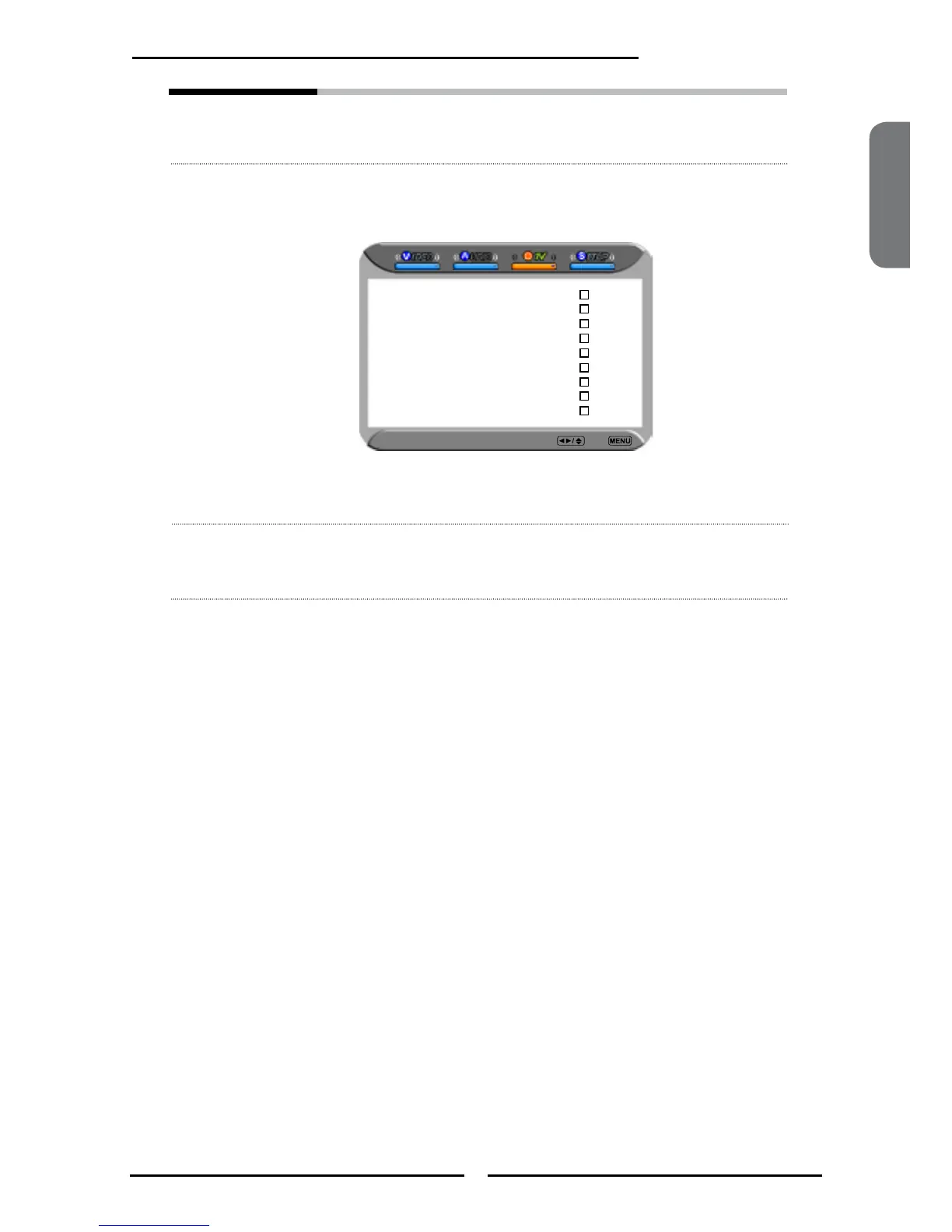
Favorite Edit Allows to set your favorite channels.
Select Favorite Edit from the TV option and press the OK
button. The Favorite Channel list appears:
Press the ▼▲ buttons to highlight the channel, and press
the OK button to add the current channel to the list of
Favorite channels.
Time Zone Allows selection of regional TV systems of USA: Eastern Time/
Indiana/Central time/Mountain Time/Arizona/Pacic Time/
Alaska/Hawaii
Favorite List Select Back
2 Analog
3 Analog
4 Analog
5 Analog
6 Analog
7 Analog
8 Analog
9 Analog
10 Analog



 To Next Page