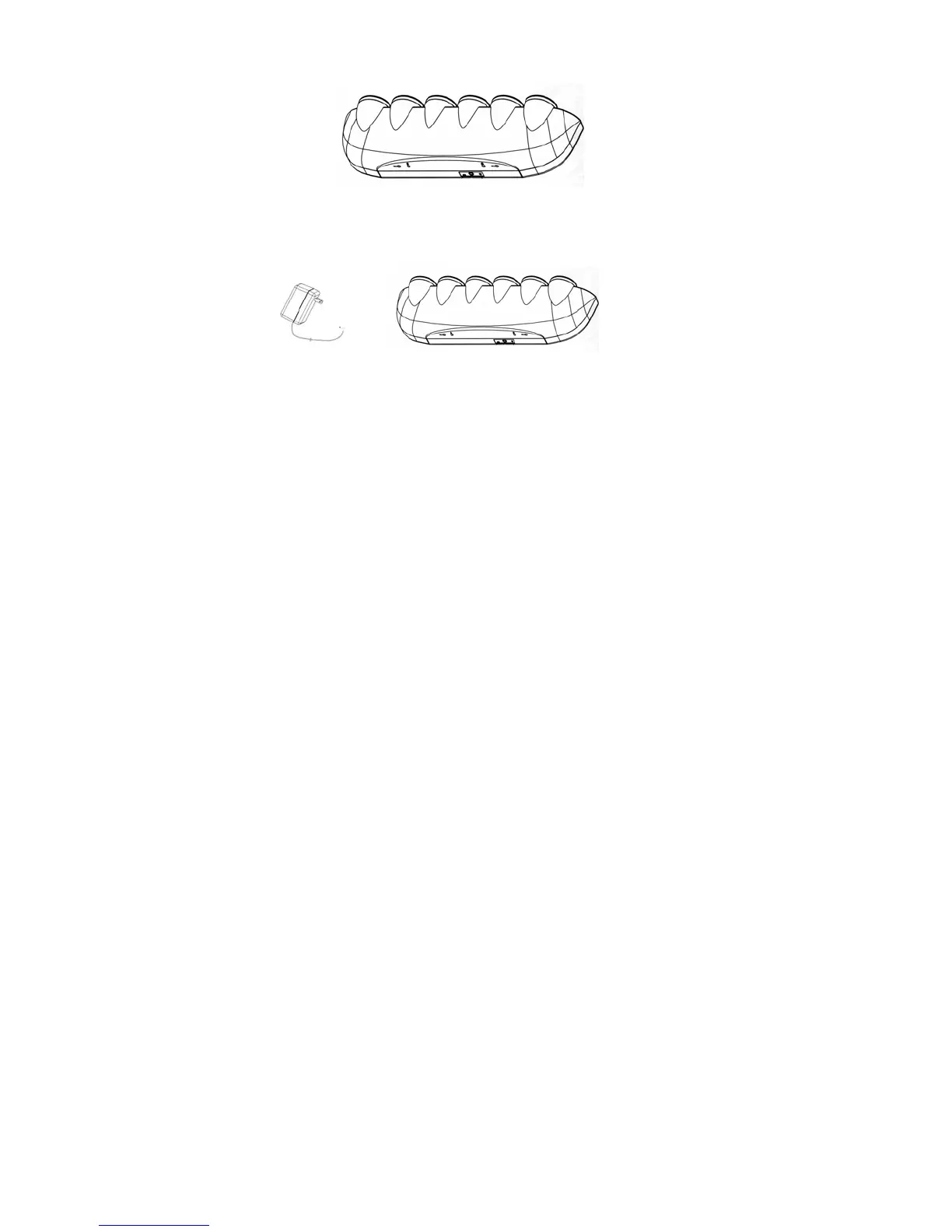
3. You may position of the Party Light on a table, or you may mount it on a wall.
Wall mounting Switch On/Off Audio Input 12VAC Input
4. Insert the A/C adaptor end into the adapter jack of the unit. Plug the adapter
into an electrical outlet to supply power to the unit.
5. Turn the ON/OFF switch to the ON position. The standby indicator will light up.
To turn the unit totally off, slide the ON/OFF switch to the OFF position.
6. You can put the Party Light in its Standby mode by pressing the power button on the
remote control unit.
7. Press the MODE Select button, then press Up/Down button to select a particular function
as follows:
Function 1: Activates flashing from right to left
Function 2: Activates Strobe action
Function 3: Activates two Lights flashing from left to right
Function 4: Activates two Lights flashing from right to left
Function 5: Activates flashing from outside to inside
Function 6: Activates one Light ON.
Function 7: Activates Voice/Music Sensor mode.
8. The Speed Button controls the speed of the light moving from one point to another.
Press the Speed Button, and use the UP/DOWN buttons to change the light speed;
UP for faster and DOWN for slower.
9. The Strobe Button controls the Strobe effect of the light. By pressing the Strobe Button,
the light will advance to the next sequence point immediately.
10. The Voice/Music sensor mode allows the lights to pulsate in response to the sound level
the unit is picking up. Thus, the light can pulsate in time with music or sounds. The mode



 To Next Page