works either via the built in microphone, or by plugging the audio-out jack of a source
component (CD, DVD, VCR, Tuner, etc.) directly into the audio-in jack on the back of the unit
Notes:
o turn the un you are i press the Power switch button
nce on the re
To t r switch button on the
mote control two times to return to function one, then press the power button again to turn off the
The akes a 3 watt, 12 volt push-in type bulb that can be bought at most hardware stores,
hom
REP F LI
1. T the burnt out bulb.
2. T w on move.
3. In lb, p locks in place.
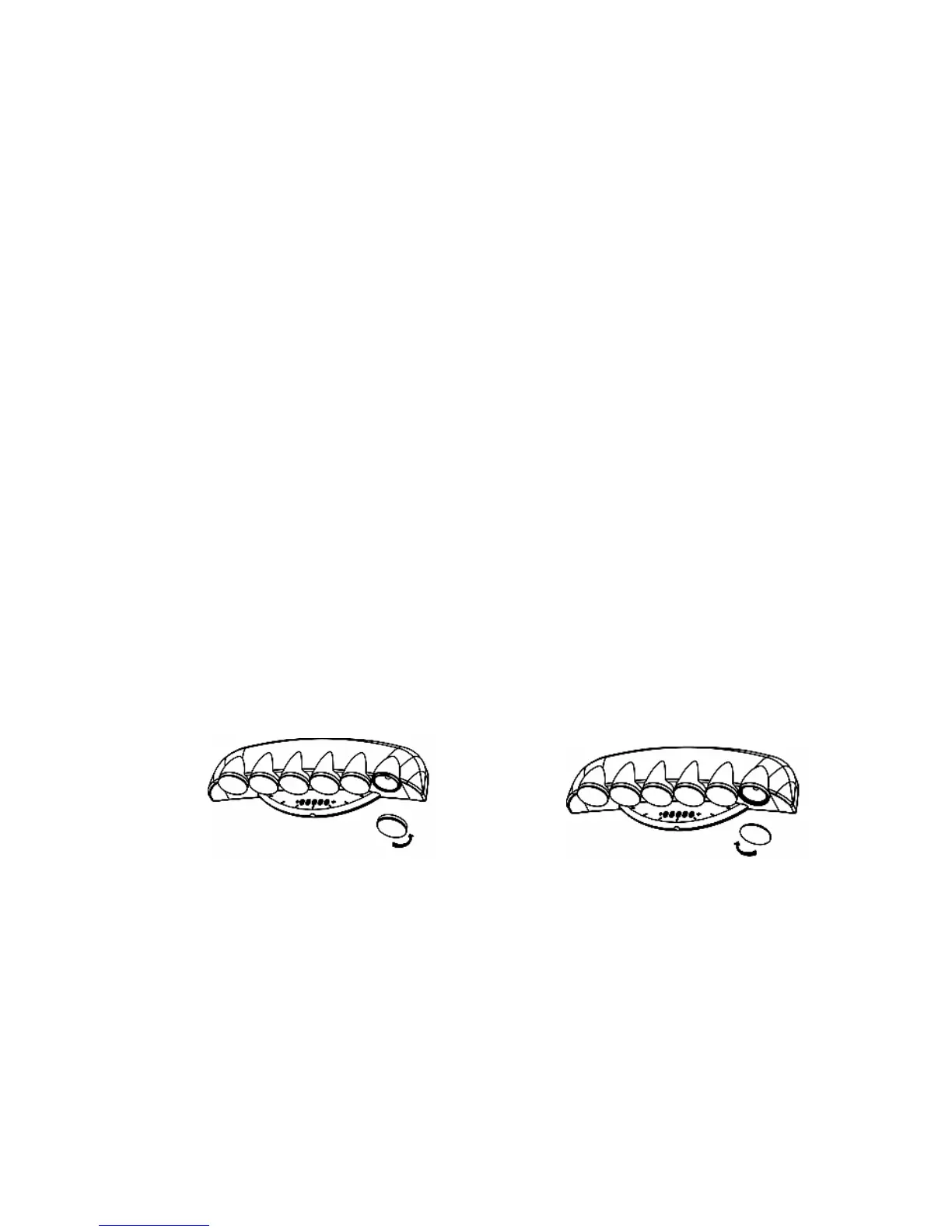
. Replace the colored cover lens by turning it clockwise on the unit.
via an optional cord.
effect, you can either lower the volume of the music/sound source, or alternatively place some
tape over the sensor holes on the front of the unit to decrease the incoming sound level.
T it OFF when
mote control.
n Functions #1 through #6, simply
o
urn the unit OFF when you are in Function #7, simply press the Powe
re
unit.
REPLACING BULBS
Party Light t
e superstores, and Fox International (1-800-321-6993).
LACEMENT O GHT BULBS (12V 3W)
urn the color cover lens counterclockwise to remove it and expose
hen press do n the bulb and turn it counterclockwise to re
sert the new bu ress down and turn it clockwise until it
4
COUNTER-CLOCKWISE TO REMOVE
CLOCKWISE TO SCREW IN
when all the lights come on and stay on most of the time. This is happening because the
voice/music sensor is being overloaded due to its sensitivity.To have a more varied lighting
When using the Voice/Music sensor mode with the built in microphone, there may be instances



 To Next Page