EasyManua.ls Logo

Memorex MP3223 - User Manual

Memorex MP3223
16 pages
Print Icon
To Next Page IconTo Next Page
Loading...
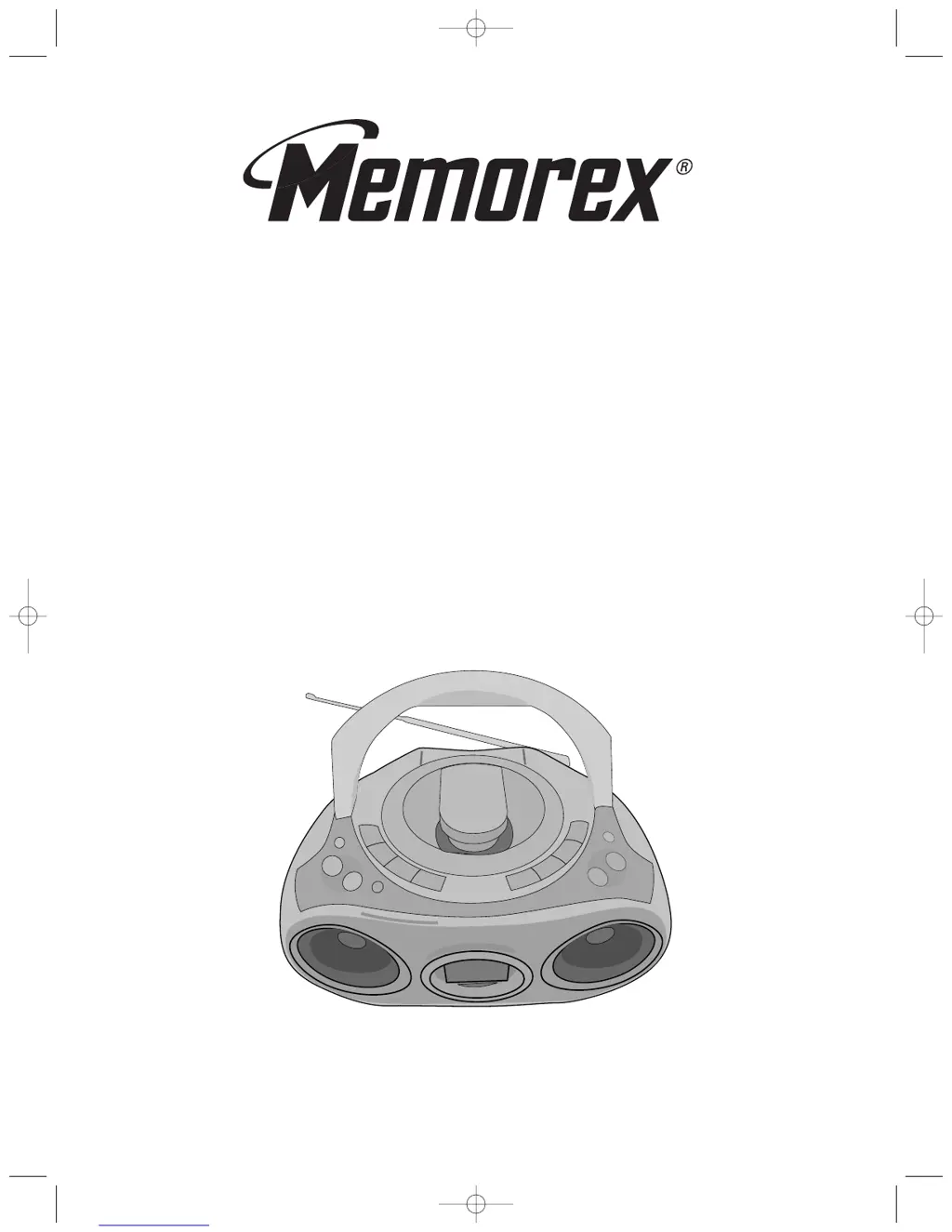
PORTABLE STEREO SYSTEM WITH
CD PLAYER AND AM/FM RADIO
MODEL: MP3223
BEFORE OPERATING THIS PRODUCT, PLEASE READ THESE
INSTRUCTIONS COMPLETELY.
OPERATING INSTRUCTIONS
MP3223.QXD 3/3/03 9:53 AM Page 16

Questions and Answers

  • R
    ryan94Jul 30, 2025
    What to do if my Memorex MP3223 has no sound?
    • E
      Elizabeth BlackwellJul 30, 2025
      If your Memorex Portable Stereo System has no sound, first, ensure the power cord is securely connected. Also, check the batteries; make sure they are fresh, correctly inserted, or replace them if they are weak or dead.
  • J
    janiceshawAug 4, 2025
    What to do if my Memorex MP3223 CD Player will not play?
    • C
      Charles BurkeAug 5, 2025
      If your Memorex Portable Stereo System CD player won't play, make sure you've pressed the CD Function button. Also, check that the CD is inserted correctly, with the label side facing up.
  • J
    Jennifer RoseAug 11, 2025
    Why is there no sound on AM or FM on my Memorex MP3223?
    • G
      Gina SmithAug 11, 2025
      If you're not getting any sound on AM or FM on your Memorex Portable Stereo System, first, make sure you've pressed the RADIO Function button. Also, check the volume level and increase it if it's at the minimum.
  • T
    Tracey PopeAug 16, 2025
    How to fix noise or distorted sound on Memorex Portable Stereo System radio broadcasts?
    • N
      Nicole MorrisAug 16, 2025
      If the sound is distorted or noisy on radio broadcasts with your Memorex Portable Stereo System, try retuning to the AM or FM broadcast station. For FM, adjust the telescopic antenna. For AM, rotate the unit to get the best reception.
  • M
    Michael HowardAug 25, 2025
    What to do if CD skips while playing on Memorex MP3223 Portable Stereo System?
    • S
      soneillAug 25, 2025
      If the CD skips while playing on your Memorex Portable Stereo System, the disc might be dirty or scratched. Try wiping the disc with a cloth, or use another disc.

Summary

Important Safety and Compliance Information

Electrical Safety and Laser Warnings

Crucial warnings regarding electric shock, voltage, and laser hazards for user protection.

Detailed Safety Instructions

Power, Electrical & Cord Safety

Addresses power sources, grounding, polarization, cord protection, and lightning surges.

Hazard Prevention & Servicing

Warnings on object entry, servicing, replacement parts, and damage requiring service.

Preparation for Use

Power Source Options

Information on operating the unit via AC power or batteries.

Operating Instructions

Setting the Clock

Step-by-step guide to set the unit's internal clock time.

Listening to the Radio

Radio Operation Steps

Guide on turning on the unit, selecting tuner mode, and tuning stations.

Playing Compact Discs

Normal CD Playback

Steps for inserting a disc and starting normal playback.

CD Control Features

Advanced CD Playback Modes

Programmed Playback Setup

Instructions for programming a custom playback order of tracks.

Care and Maintenance

Compact Disc Care

Guidelines for handling, cleaning, and storing compact discs to prevent damage.

Troubleshooting Guide

Memorex MP3223 Specifications

General IconGeneral
BrandMemorex
ModelMP3223
CategoryPortable Stereo System
CD PlayerYes
Cassette PlayerYes
AM/FM RadioYes
Built-in SpeakersYes
Headphone JackYes
Remote ControlNo
Weight5.5 lbs
Playable MediaCD, Cassette, AM/FM Radio
Power SourceAC/Battery

Related product manuals