9
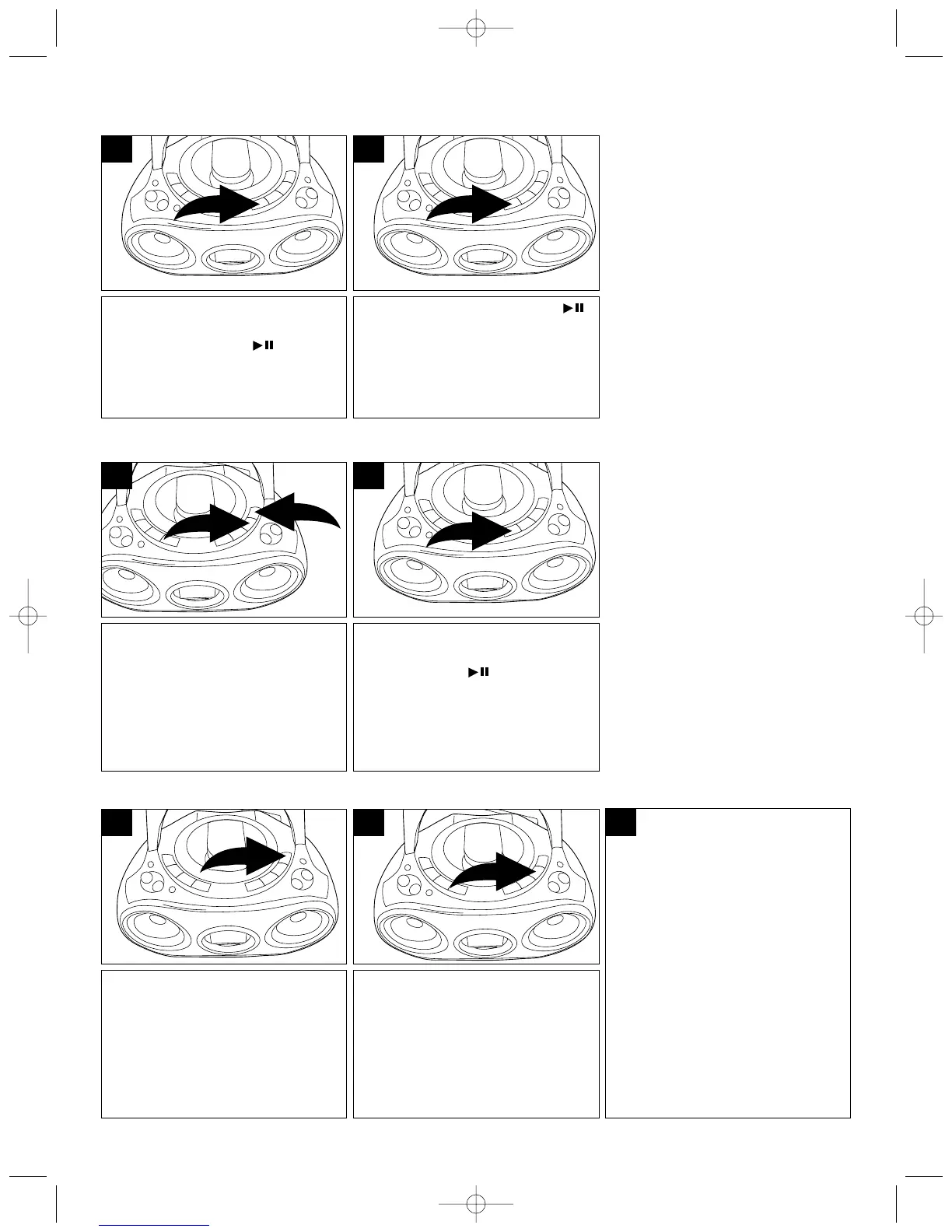
During CD playback, if you wish to
pause the disc momentarily, press
the PLAY/PAUSE ( ) button.
Playback stops but the disc
continues to spin and the time
blinks in the display.
1
Press the PLAY/PAUSE ( )
button again to release pause and
resume normal CD playback. The
sound returns and the time stops
blinking.
2
After you insert the disc into the
CD player and the total number of
tracks and playing time appear on
the display, you may press the
TUNING/SKIP/Search UP ❶ or
DOWN ❷ button to select a
specific track for playback.
1
When the desired track number
appears in the display, press the
PLAY/PAUSE ( ) button. Play-
back will begin on the track you
selected.
2
CD PAUSE CONTROL
TO BEGIN PLAYBACK FROM A SPECIFIC TRACK
During playback, press and hold
either the TUNING/SKIP/Search
UP ❶ or DOWN ❷ button to move
the player forward or backward
within a track to locate a specific
musical passage. The player will
move forward or backward at high
speed as long as the buttons are
depressed. When you release the
TUNING/SKIP/Search UP ❶ or
DOWN ❷ button, normal playback
will resume.
During playback, press the
TUNING/SKIP/Search UP button
once to advance the player to the
beginning of the next track. Press
the TUNING/SKIP/Search UP
button repeatedly to advance the
player to higher numbered tracks.
1 3
During playback, press the
TUNING/SKIP/Search DOWN button
once to move the player back to the
beginning of the playing track. Press
the TUNING/SKIP/Search DOWN
button repeatedly to move the player
back to lower numbered tracks.
2
FORWARD/REVERSE SKIP TRACK AND HIGH-SPEED MUSIC SEARCH


 To Next Page