– 21 –
Go to menu display item no. 2 of
SETTING MPAA RATING.
Press the + or - button until any rating
appears beside TV RATING.
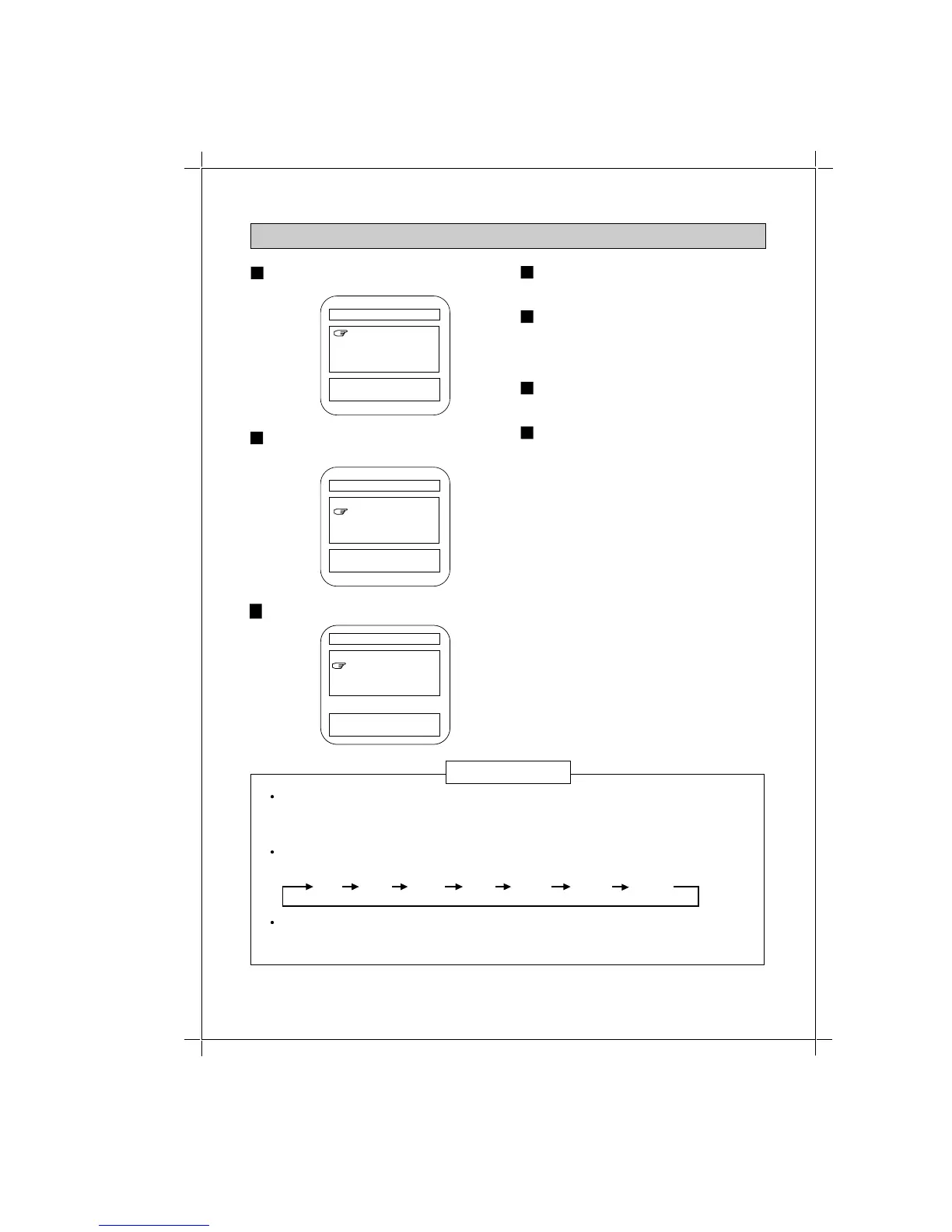
1
Use the + or - button to highlight TV
RATING
2
V-BLOCK SET
MPAA RATING PG-13
TV RATING TV-PG-DLSV
OPTION RATING OFF
LOADING OFF
EXIT
[+] / [-] : SELECT
[MENU] : ENTER
Press the MENU button.
3
4
Press the MENU button.
Content-based Rating can be selected
only for TV-Y7, TV-PG, TV-14 and TV
-MA Ratings.
5
V-BLOCK SET
[+] / [-] : SELECT
[MENU] : ENTER
MPAA RATING PG-13
TV RATING TV-PG-DLSV
OPTION RATING OFF
LOADING OFF
EXIT
V-BLOCK SET
[+] / [-] : SELECT
[MENU] : ENTER
MPAA RATING PG-13
TV RATING TV-PG-DLSV
OPTION RATING OFF
LOADING OFF
EXIT
Age-based rating sequence will rotate from lower to higher rating and TV-MA is the
highest (most restrictive) rating.
All programs that have a higher rating than the one selected will also be blocked.
If you don't want to block TV RATING, set this rating to OFF.
TV RATING contains two rating categories, age-based ratings and content-based
ratings, and user can block programming using either or both categories. See the
following table 1 for details.
Rating sequence will rotate from lower to higher rating and TV-MA is the highest
(most restrictive) rating.
All programs that have a higher rating than the one selected will also be blocked.
If you don't want to block TV RATING, set this rating to OFF.
TV RATING contains two rating categories, age-based ratings and content-based
ratings, and user can block programming using either or both categories. See the
following table 1 for details.
OFF TV-Y TV-MATV-Y7 TV-PG TV-14TV-G
Press the + or - button to highlight
EXIT.
6
Press the MENU button to exit.
7
SETTING TV RATING-1 (CHANGE RATING-2)
NOTES



 To Next Page