15. Presets
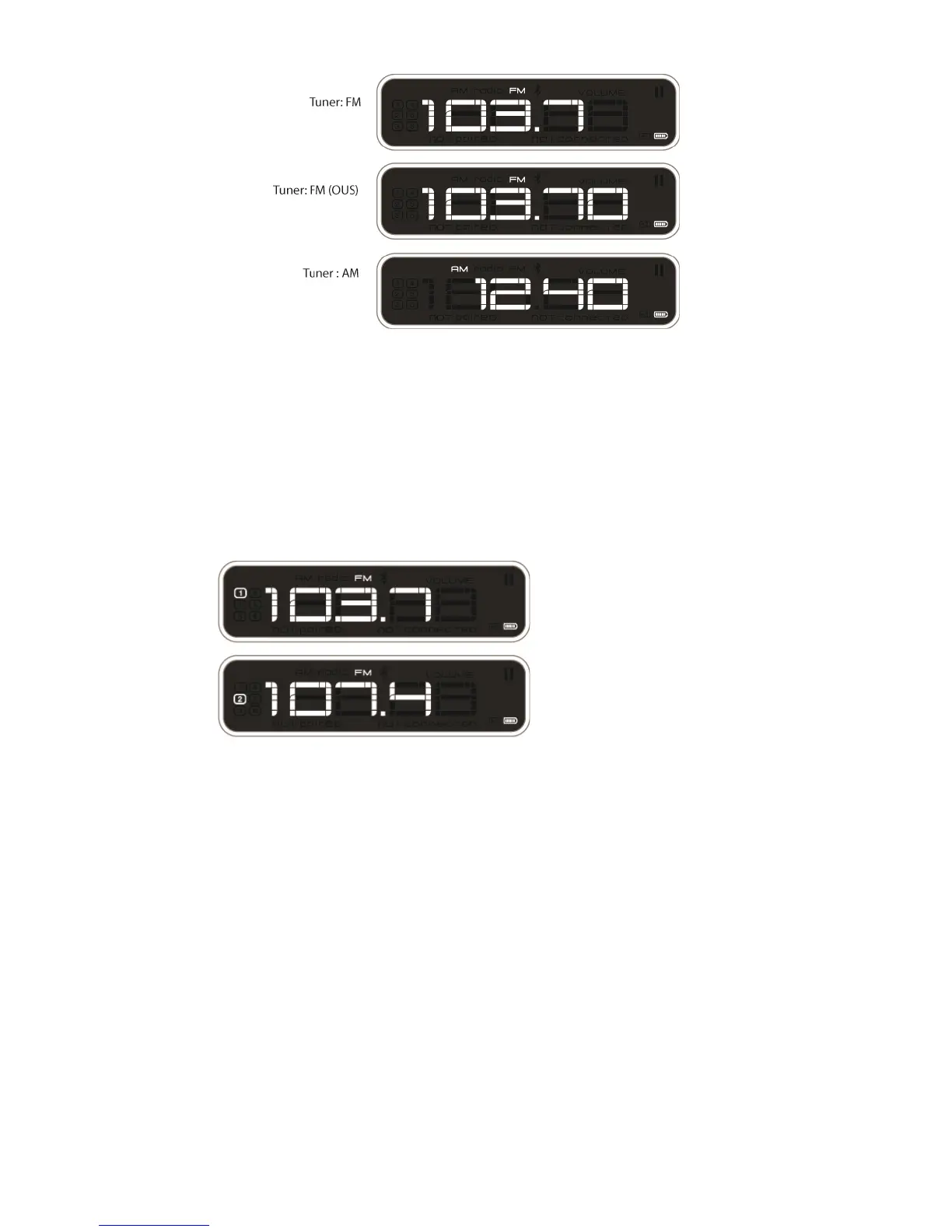
There are six preset stations available.
To set a preset in slot (one), tune to desired station. Press and hold PRESET button. After 1 second of
holding, preset (#1) Icon will begin flashing. Release button to set station.
To set stations 2-6, press and hold PRESET button until the desired preset begins to flash.
Pressing preset button once will tune to preset number 1. Press again to tune to number 2 etc. Preset
number will appear on display for 2 seconds, and then display tuned station.


 To Previous Page