Memory-Map Bike 250
10
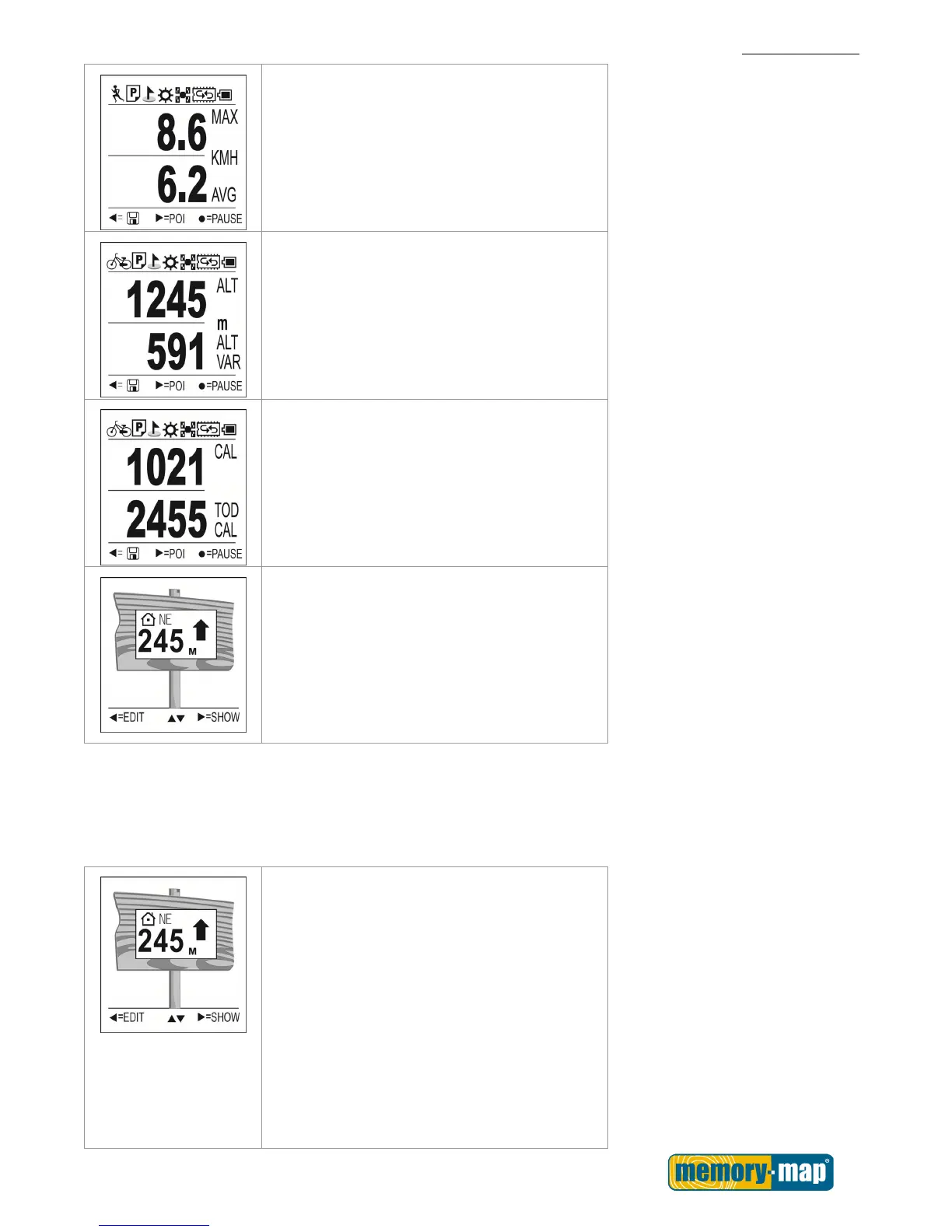
Max and Average Speed: displays your max
and average speed.
Altitude: displays altitude variation.
Calorie information: displays lap calorie and
today calorie consumed.
Place Finder: display the direction and
distance to the stored coordinates.
The user may use this function as a tool for
“geocaching”, when activated, it will display
the direction and distance to the hidden
“geocaches”.
Finder Usage:
User A uses the Finder function to record the location of his or her hotel during a trip. After sightseeing, user
B easily finds the location of and return to his or her hotel.
Finder List
Press the Left ◄ button in the Place Finder
function to configure the Finder list, with 5
fields for coordinates.
1. Use the Up▲/Down▼ button to select the
desired item.
2. Press the SEL► key to enter the
coordinate page.
Inside the coordinate page, use the



 To Next Page