Memory-Map Bike 250
3
Buttons.
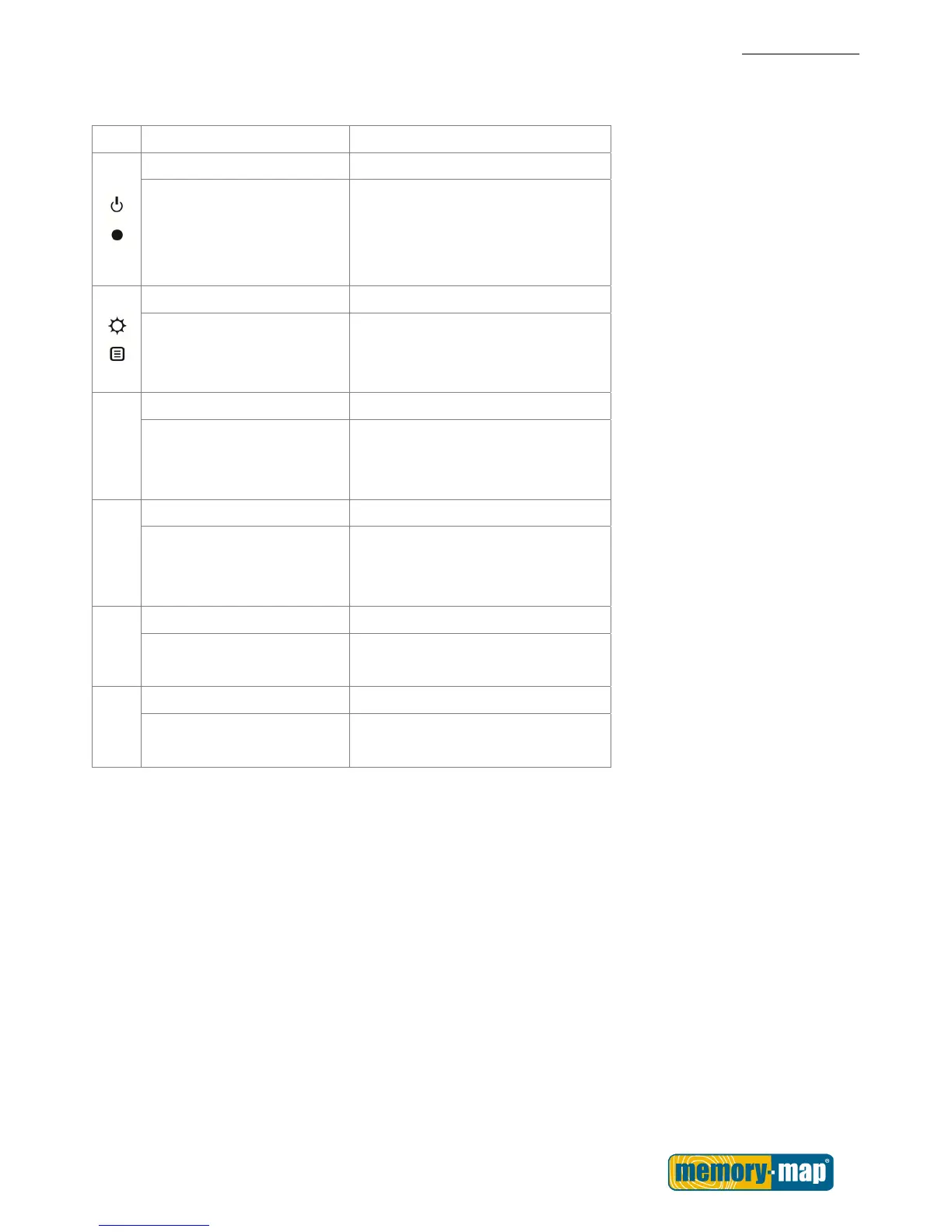
Use the Buttons for basic functions.
Icon Main Menu Menu Mode
Power/ Record OK
Turns the unit on and off.
Press this button to start
recording; press it again to
pause recording.
Backlight/ Menu Exit
Long press to activates the
backlight; short press to
enter menu mode.
Exits the submenu.
►
POI Select/ Right
Press the key to set a POI. Press the key to confirm and save.
Press to move the cursor to the
right.
◄
Save Exit/ Left
Press the key to save. Press the key to exit.
Press to move the cursor to the
left.
▼
Page Down Down
Flip page down. Press to move the cursor to the
down
▲
Page Up Up
Flip page up. Press to move the cursor to the
up.



 To Next Page