Memory-Map Bike 250
5
Charging the Battery.
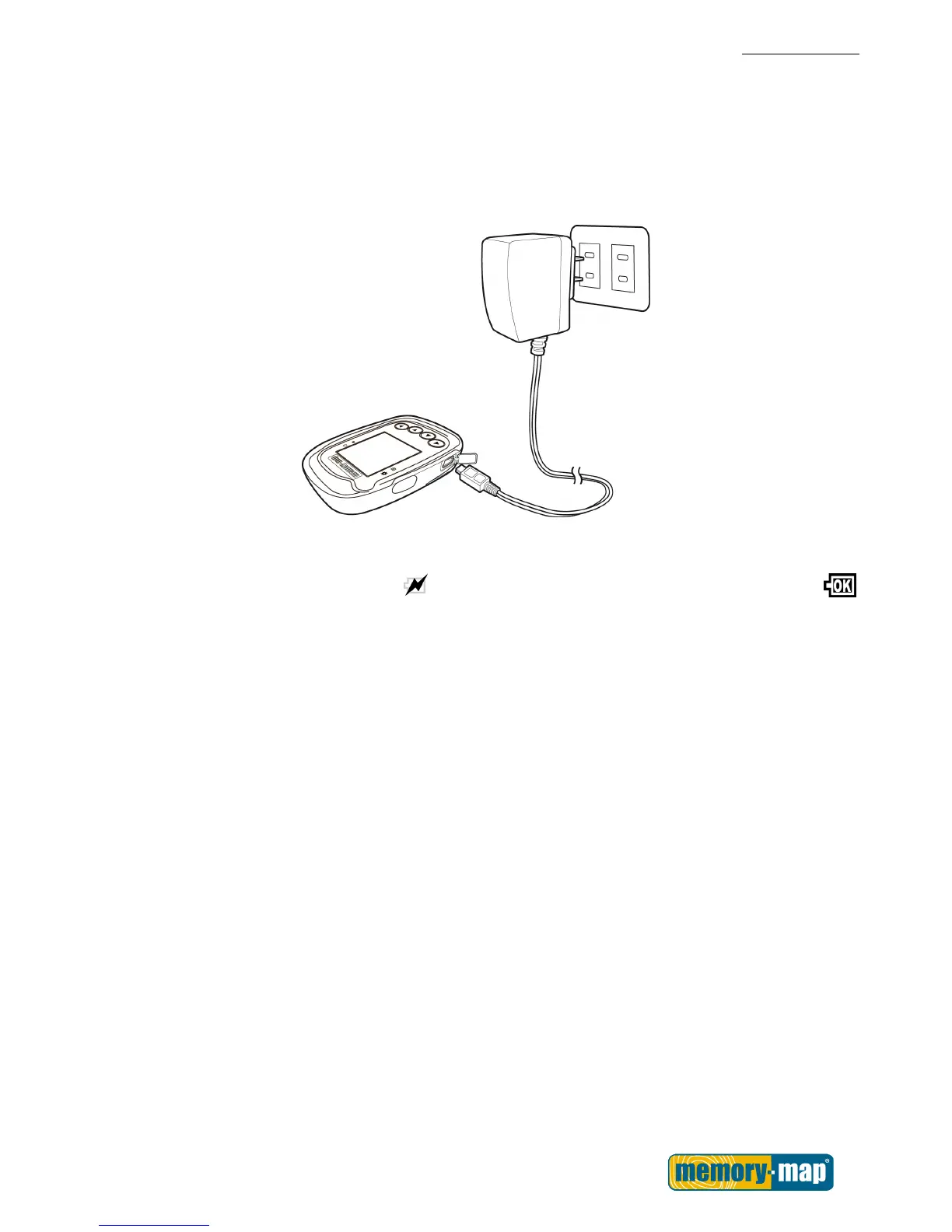
Using the AC Charger (Not included. Available as an optional extra)
1. Plug the mini USB plug of the AC charger into the mini USB port on the top of the handset.
2. Plug the AC charger into a wall outlet.
When charging, the Power indicator shows
. After charging is complete, the Power indicator shows .



 To Next Page