Memory-Map Bike 250
19
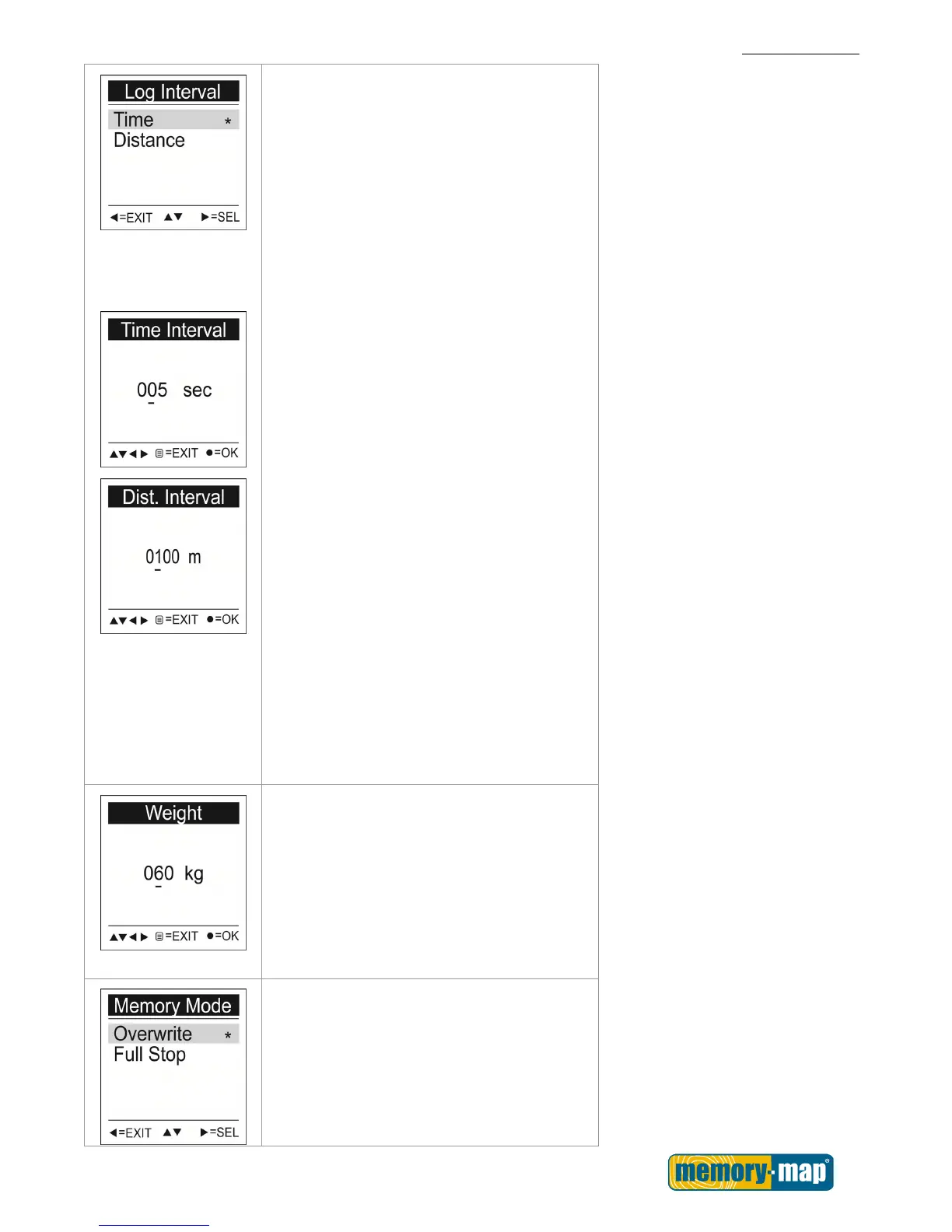
Log Interval
Select either time or distance for your log
interval.
1. Use the Up▲/Down▼ button to move to
Time or Distance.
2. Press SEL► button to enter the setting.
To setup Time Interval
1. Press the Left◄/ Right ►button to move
to left/ right.
2. Press the Up▲/Down▼ button to adjust
the value.
3. Press OK ● key to save the setting.
To setup Distance Interval
1. Press the Left◄/ Right ►button to move
to left/ right.
2. Press the Up▲/Down▼ button to adjust
the value.
3. Press OK ● key to save the setting.
Weight
1. Press the Left◄/ Right ►button to move
to left/ right.
2. Press the Up▲/Down▼ button to adjust
the value.
3. Press OK ● key to save the setting.
Memory Mode
Overwrite: When the memory capacity has
been reached; the device will continue to
record and overwrite the oldest information
on the memory.



 To Next Page