Memory-Map Bike 250
23
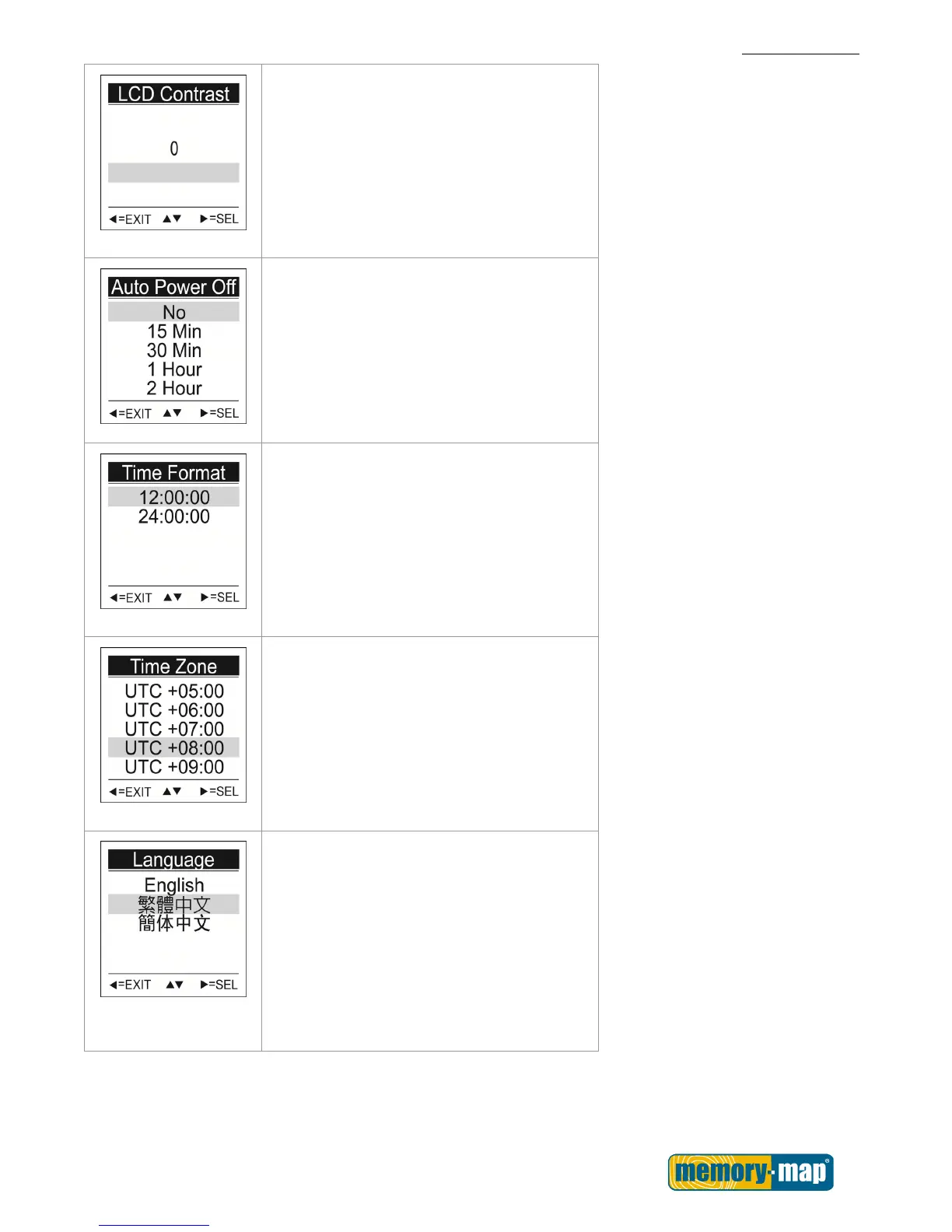
LCD Contrast
Choose the LCD Contrast on the screen.
1. Use the Up▲/Down▼ button to move to
the desired LCD Contrast value.
2. Press the SEL► button to confirm and
save.
Auto Power Off
1. Use the Up▲/Down▼ button to move to
the desired time interval or Manual for
Auto Power Off.
2. Press the SEL► button to confirm and
save.
Time Format
Choose the time format to display.
1. Use the Up▲/Down▼ button to move to
12:00:00 or 24:00:00.
2. Press the SEL► button to confirm and
save.
Time Zone
Choose your time zone.
1. Use the Up▲/Down▼ button to move to
the desired time zone.
2. Press the SEL► button to confirm and
save.
Language
Choose the language displayed on the
screen.
1. Use the Up▲/Down▼ button to move to
the desired language.
2. Press the SEL► button to confirm and
save.



 To Next Page