- 7 -
e. During video play, click the center of the screen to display the tool bar. Click “ ’ or “ ” to
play backward or forward. Click “
” to play again.
Tips:
Forward or Backward function is under condition of video playing.
Audio
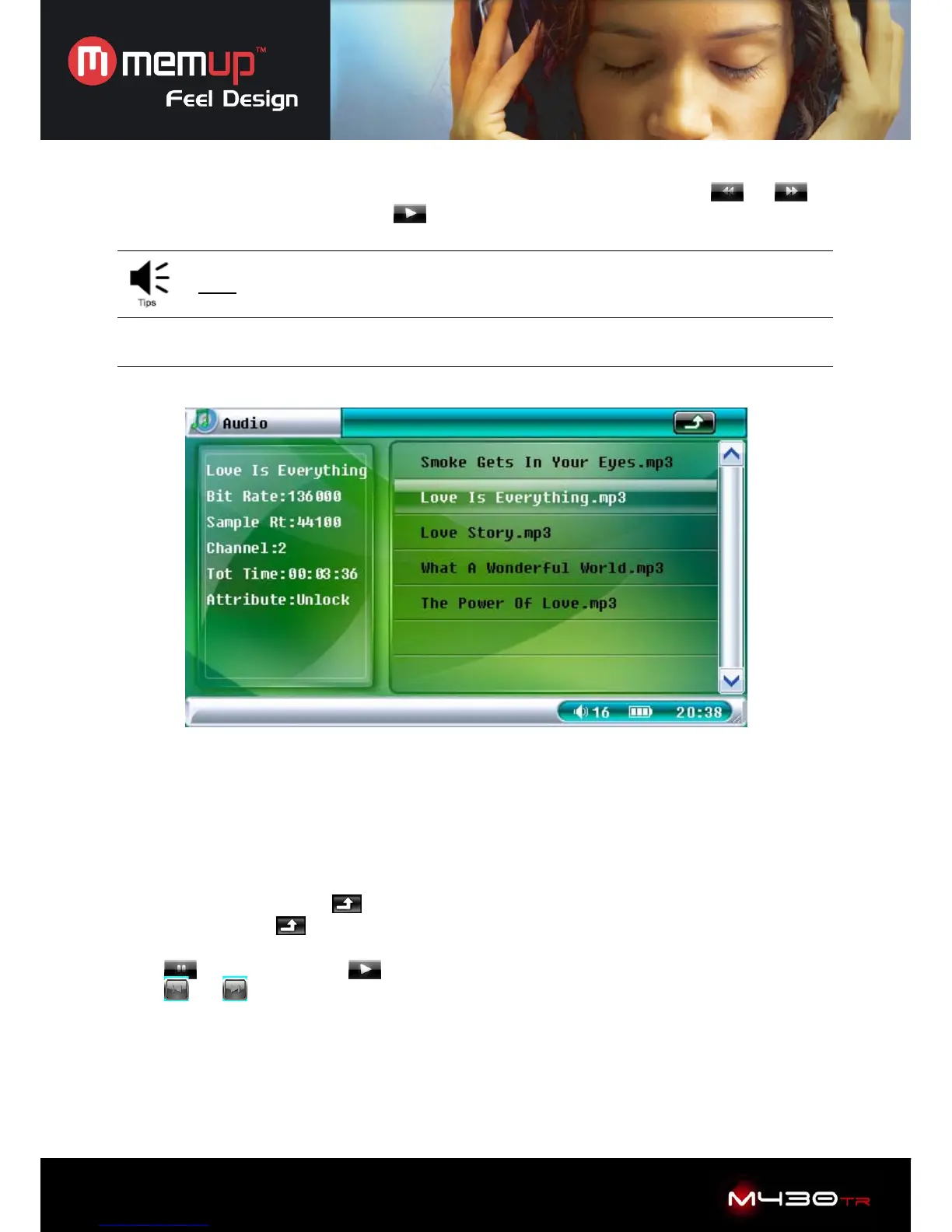
Select “Audio” to enter into audio browser to display audio files.
Click “audio” to display operation:
1. Loop Mode: “Current”, “All” or “Random”.
2. File Protect: “Lock” or “Unlock”.
3. Del File: “Current” or “All”.
4. EQ Mode: “Normal”, “Classic”, “Popular”, ”Bass” or “Rock”.
5. Exit: Select “Exit” to return to main interface
Press “ESC” button or click “
” on taskbar to stop playing, then get back to the file list. Press
“ESC” button or click “
” again to return to the main interface.
Click “+” or “-” icon to adjust volume
Click “
” to pause, and click “ ” to resume.
Click “
” or “ ” to play previous or next file.



 To Next Page