- 6 -
PLAYER FUNCTION OPERATION INSTRUCTION
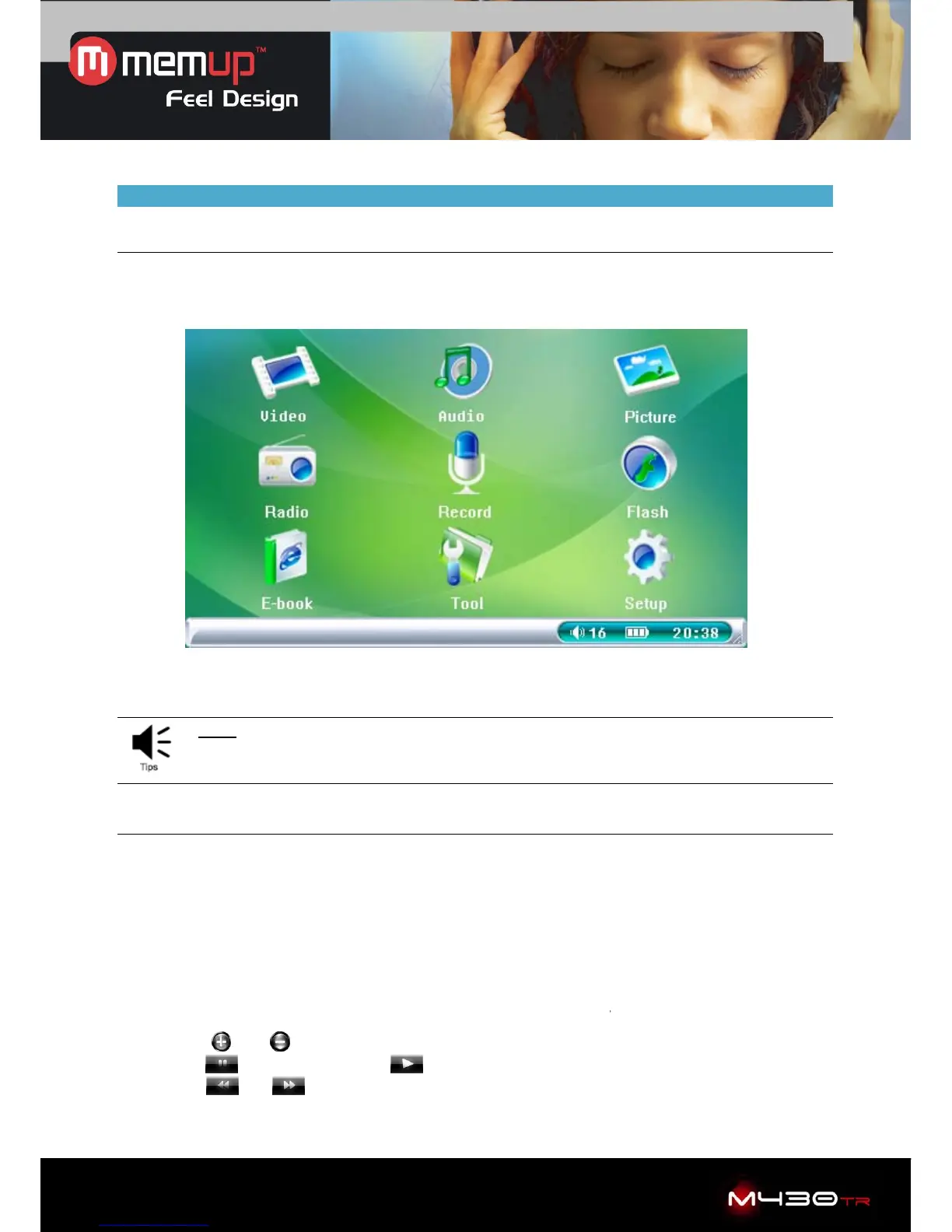
Main menu interface
9 icons on main menu interface.
On the bottom bar : volume, power, time (as picture)
Tips: This product is compatible with Windows 98Se, Me, Windows 2000, Windows XP,
Windows Vista, MAC OS 10 etc.
Video
Select “Video” to enter into video browser to display video files.
Press “Video” to display operation:
1. Loop Mode: “Current”, “All” or “Random”.
2. File Protect: “Lock” or “Unlock”.
3. Del File: “Current” or “All”.
4. Resume: Play last file played (previously saved as bookmark)
5. Exit: Select “Exit” to return to main interface
a. Press "ESC" button to stop playing, then choose " OK " or "Cancel" to save or cancel the
video bookmark, then get back to the video browser.
b. Click "
" or " " icon to adjust the volume.
c. Click “
” to pause, and click “ ” to resume.
d. Click “
” or “ ” to play previous or next file.



 To Next Page