7. BT. Connections
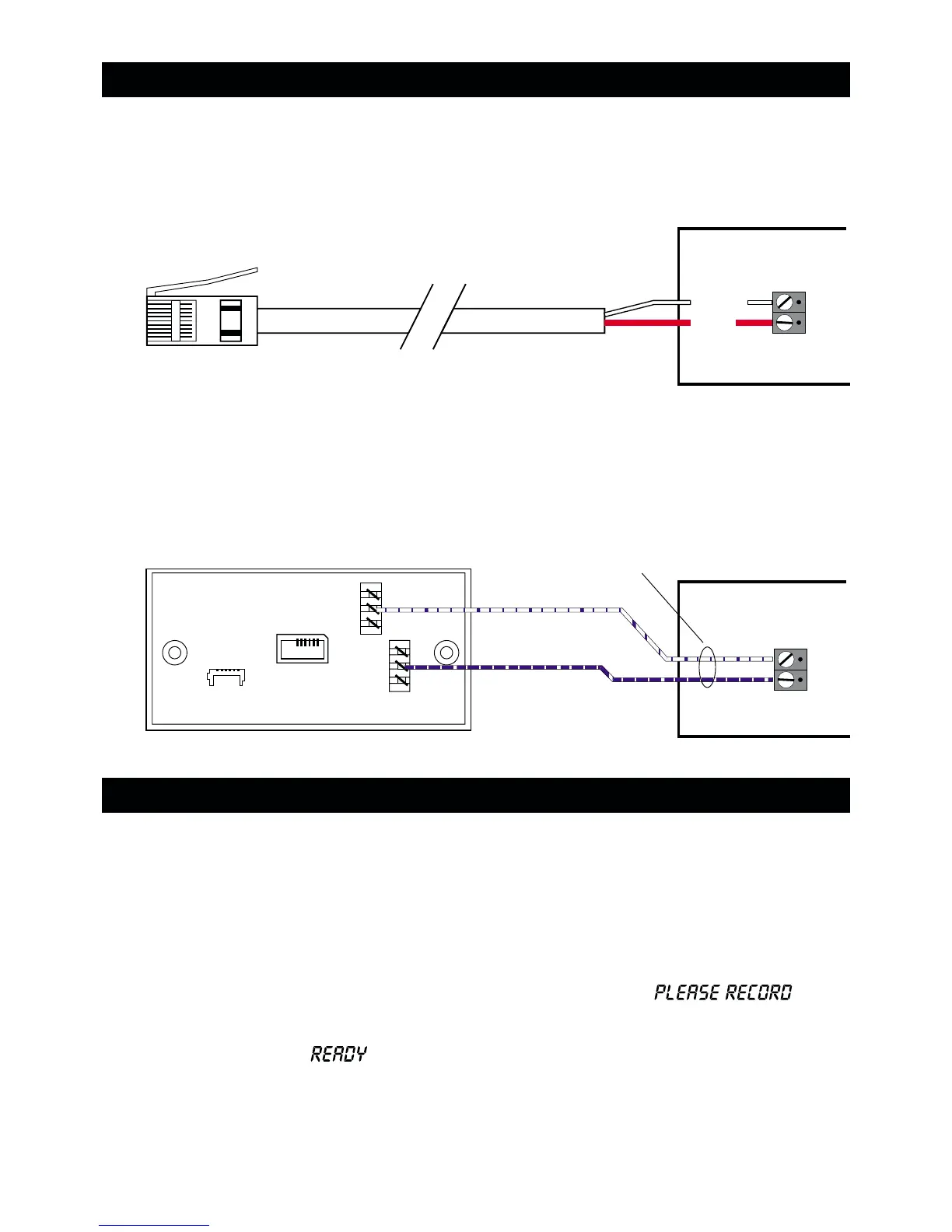
1. Connect telephone line using one of the methods shown below:
2. Replace the plastic cover over the telephone line connections.
8. Commissioning and Testing
1. If the SD1+ is not being used in the UK please ensure the options switch is set to the
appropriate settings, see section 9.
2. Hold the blade of a small screwdriver between the “Factory Restart” pins (JP2) and
switch the power back on to the control panel (battery and mains).
3. Remove the screwdriver blade and clip the SD1+ front cover onto the base taking
care not to trap any cables.
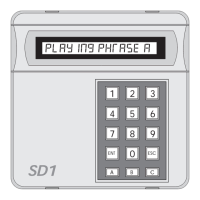
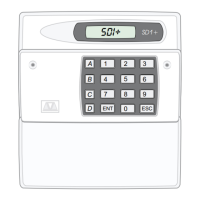
4. The SD1+ "beeps" every 30 seconds and the display shows:
.
5.
To select the programming mode enter the default passcode of 1234 .
6. The display will show
. The unit is now ready for programming and testing. Please
refer to the ”Operating Instructions” for full details.
A
B
White
Red
Standard BT telephone plug
SD1+
SD1+
A
B
3
2
1
6
5
4
White/Blue
BT Master Jack (NTE5)
User accessible connections
Cable type 1/0.5mm CW1308
Blue/White
Method 1 - Using the lead supplied
Method 2 - Hard wired connections


 To Next Page