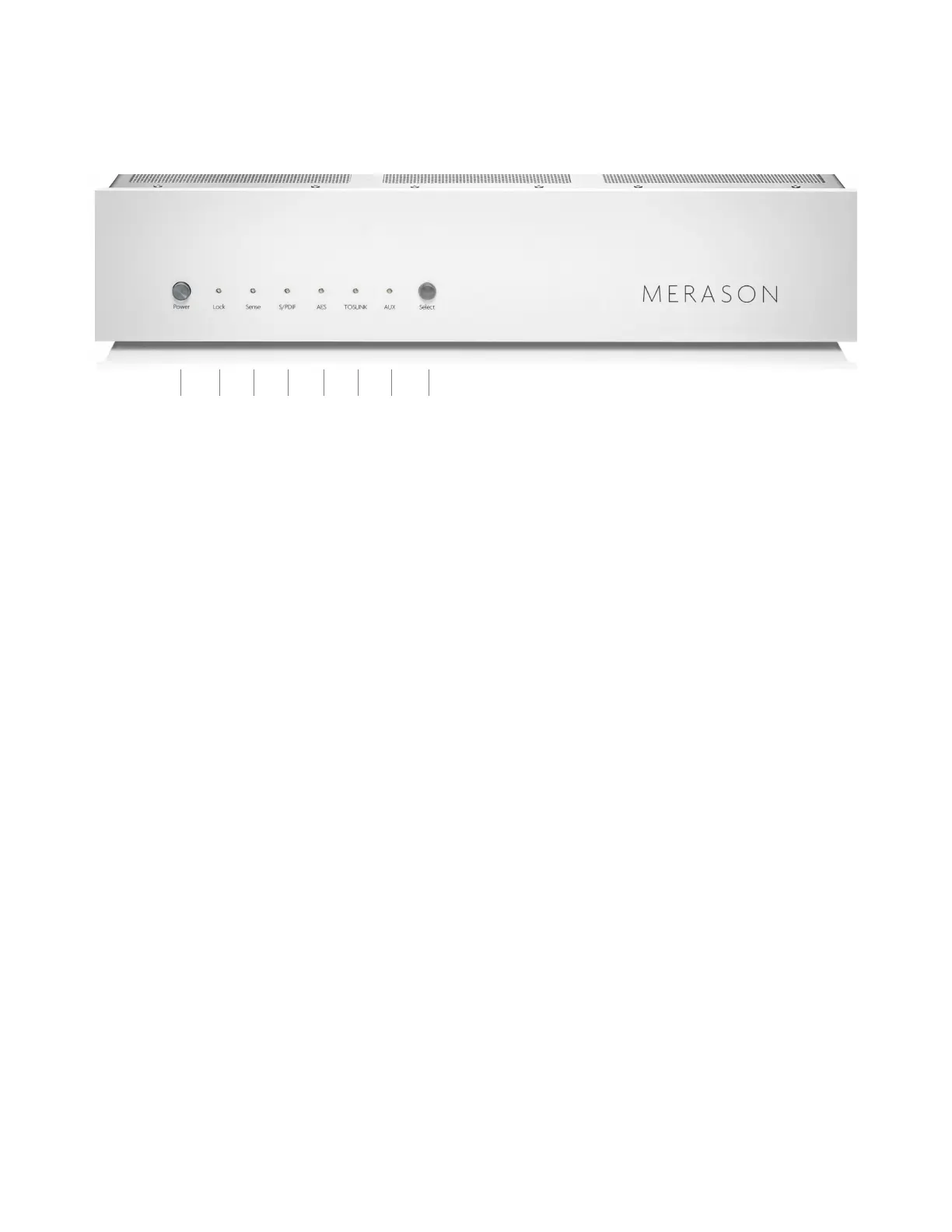
Operating and Display Elements
1 On/o switch.
2 Lit when the input signal can be processed correctly.
3 Lit when an existing USB signal is detected.
4 Lights up when coax input is selected.
5 Lights up when balanced input is selected.
6 Lights up when optical input is selected.
7 Lights up when USB input is selected.
8 Input selector switch.
Press the on/o switch to put the unit into operation or disconnect it from the mains.
The inputs are selected by pressing the input selector switch.
1 2 3 4 5 6 7 8



 To Next Page