REMOTE CONTROLLER OPERATION
3
REV3.0
CODESWITCH
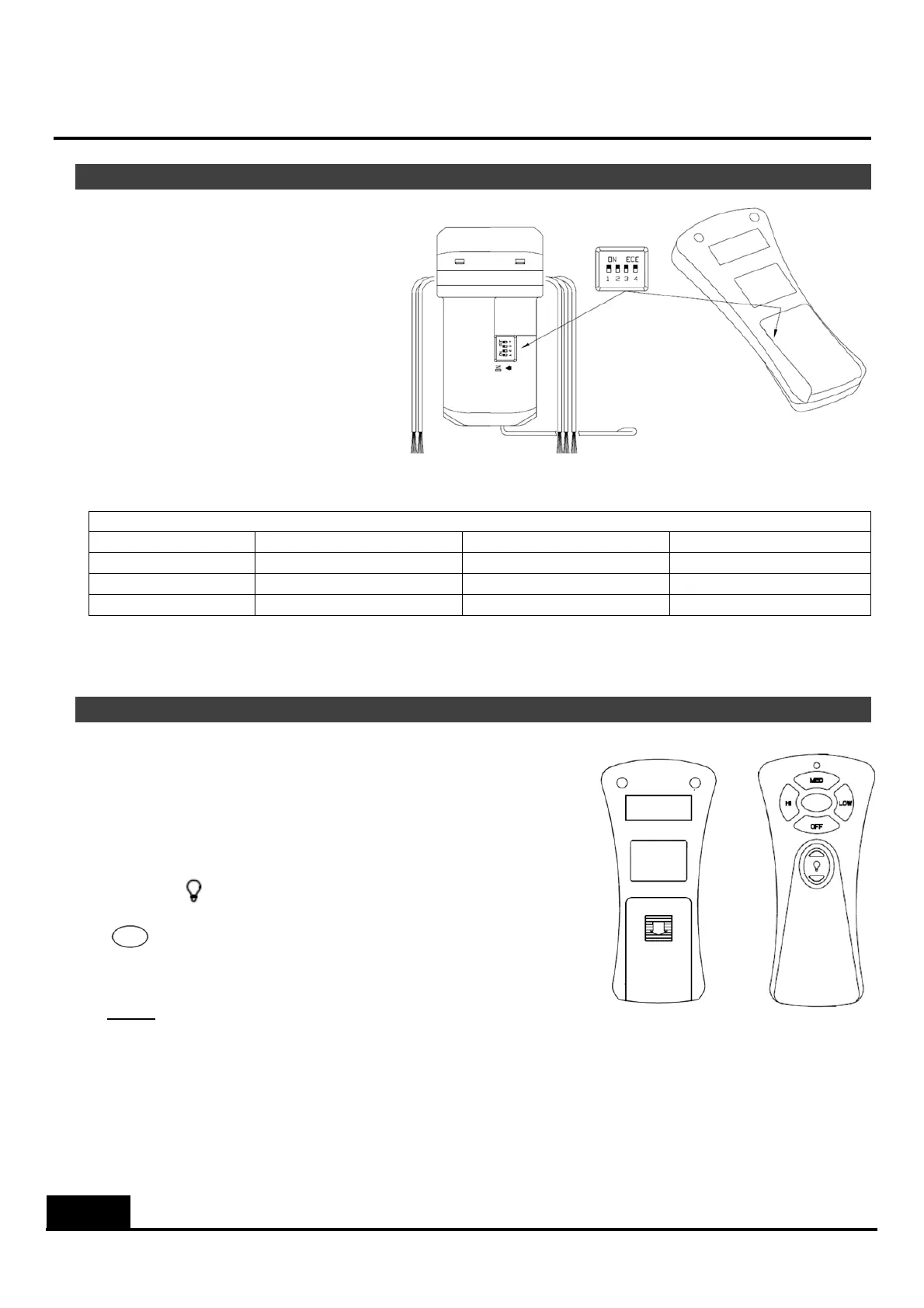
1. CODESWITCH:Codesaresetby
pushing dip switches up or down.
Itisimperativethatthecodeused
for both transmitter and receiver
isexactlythesame;otherwise
remote controller will not work.
Please note the code switch will
enable you to operate a second
remote controller independently.
For example, if you have two
ceiling fans with 2 remote control
units,set2differentcodesforeach
setoftransmitter/receivers.Thismeansyoucanoperateeachceilingfanindependently.
PossibleDIPSwitchSetting(ONsettingrepresentedby1;OFFsettingrepresentedby0)
0000 0100 1000 1100
0001 0101 1001 1101
0010 0110 1010 1110
0011 0111 1011 1111
2. Yourremotecontrolisreadyforuseaftera9Vbatteryinstallation.
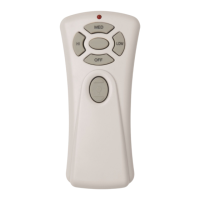
FUNCTIONALBUTTONSONREMOTEHANDSET
HI: Pressoncetoturnonthefanathighspeed
MED: Pressoncetoturnonthefanatmediumspeed
LOW: Pressoncetoturnonthefanatlowspeed
OFF: Pressoncetoturnoffthefan
LIGHT: Pressoncetotogglethelightonoroff
:Reservedbutton(nofunction)
NOTE
‐ Turnonisolationswitch(wallswitch)beforeoperatingremotecontroller.
‐ Turnoffisolationswitch(wallswitch)whennotinuse.
‐ Itisasignofweakbatterywhenthetransmitterneedstobeheldatanincreasingly
closerdistancetofaninordertowork.Replaceanewbatterywhenvoltageisrunning
low.


 To Previous Page
 Loading...