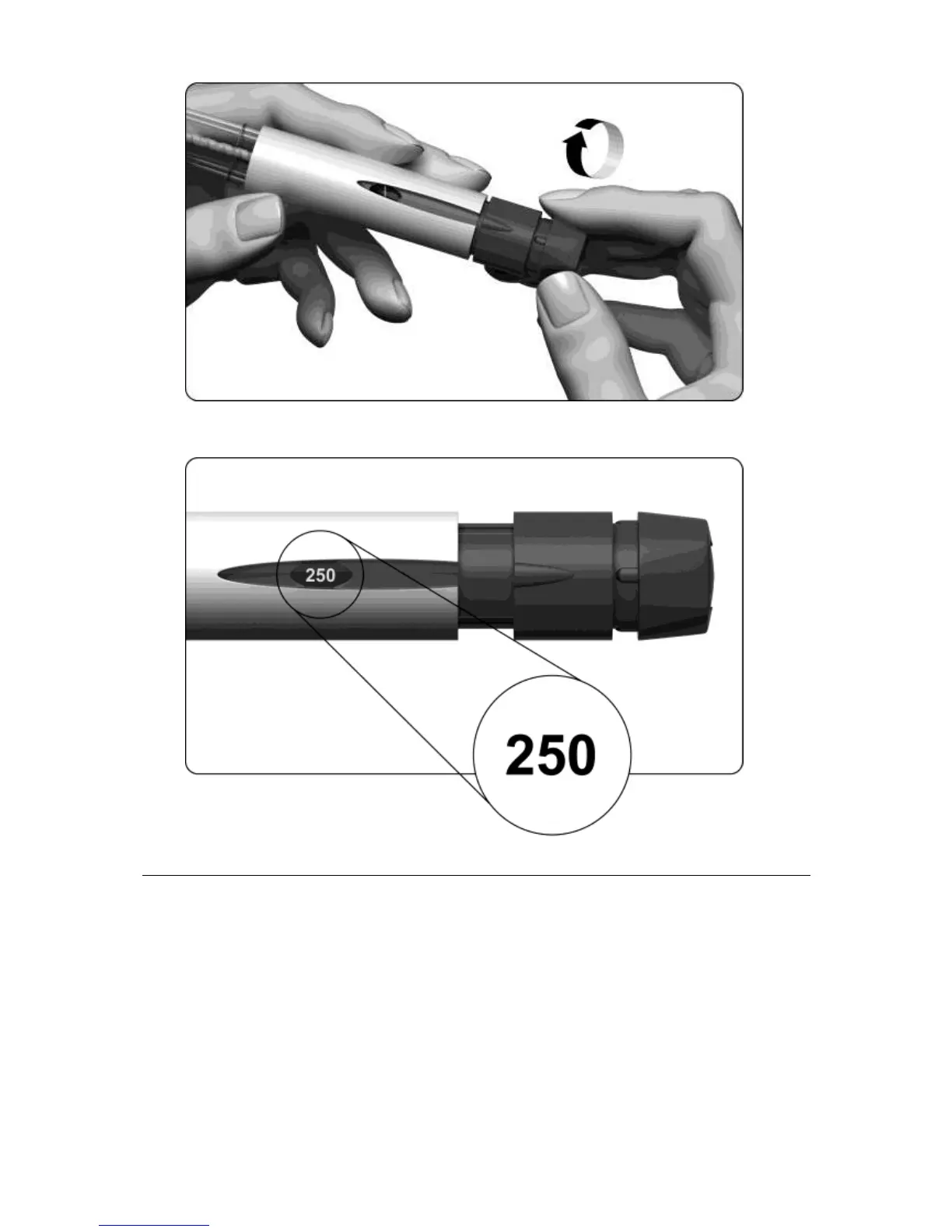
• The dose display should show “250”, shown in the figure below.
5. Injecting the dose
5.1 Choose the injection site in the area your doctor or nurse has told you to give the injection.
5.2 Clean the skin at the injection site by wiping with an alcohol swab.
5.3 Verify once more that the number in the dose display reads ‘250’. If it is not, you must adjust it
(see step “4. Setting the dose to 250”).



 To Next Page