GM Marine EFI
Connecting to GM MEFI-5 systems
1) Locate the engine’s 6 pin CAN diagnostic connector. This connector may also be
referred to as the OBD-M connector (On-Board Diagnostics-Marine). The
location of this connector is specified in the engine manufacturer’s service
manual. Please note that the connector may have a protective cap attached to it.
2) With the engine’s ignition switch in the OFF position, plug the scan tool’s
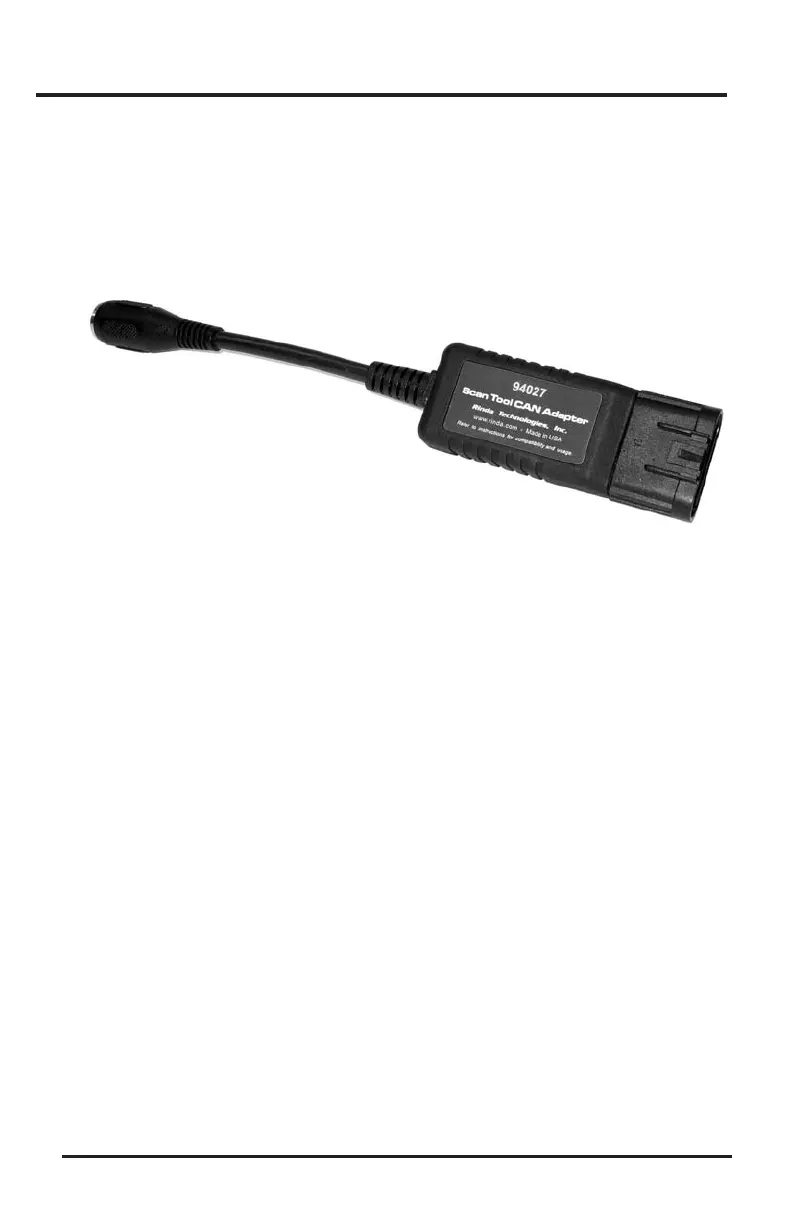
communication cable into the diagnostic connector. Scan tool adapter #94027
(CAN Adapter) is required for this application as shown in Figure 3 above.
3) Once the tool is connected, turn the ignition switch ON and start the engine if
necessary. If the engine will not start, simply leave the ignition switch ON and
proceed.
4) After the scan tool displays its initial opening messages, use the s and t keys to
select the “Marine EFI” operating mode, then press the YES key to select it.
Page 15
Figure 3 Scan Tool CAN Network Adapter #94027


 To Next Page