03
Chapter 2 Installation Guide
Chapter 2 Installation Guide
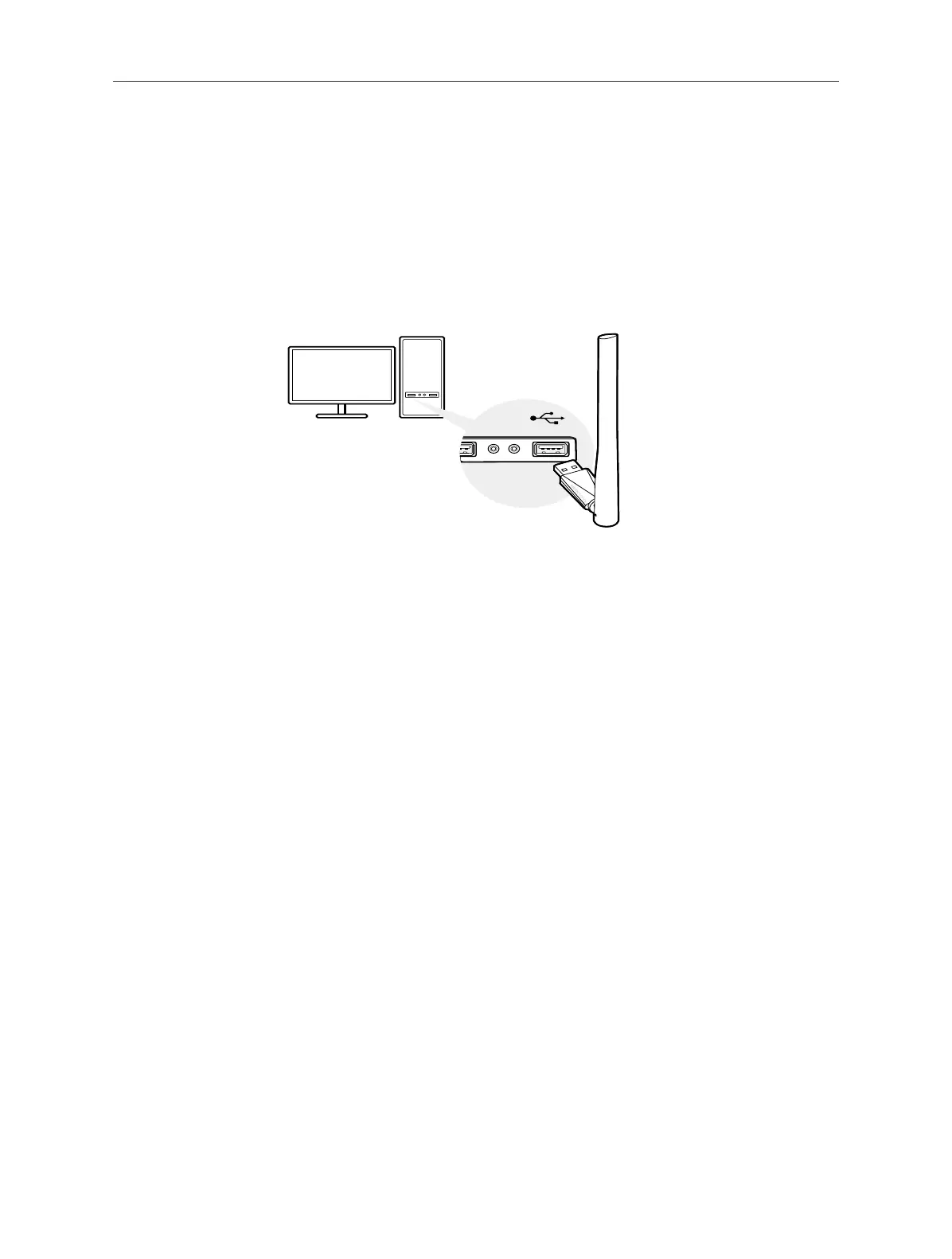
2.1 Hardware Connection
Before you start using your adapter, insert the adapter into a USB port on your
computer directly.
2.2 Driver Installation
For Version 1.0:
This adatper suppurts internal driver installation, follow the steps below to install the
driver:
a. Go to My Computer or This PC.
b. Find out Mercusys disk then run the SetupInstall.exe to start driver installation.
Note:
Ǵ If you cannot nd the Mercusys disk, download the driver at www.mercusys.com/support.
c. Follow the instructions to complete the installation.
For Version 2.0:
This adapter supports Plug and Play feature. Plug the adapter in and then it is ready
to use.
If your operating system does not support this feature, follow the steps below:
a. Download the driver or check the new release at www.mercusys.com/support.
b. Unzip the downloaded folder and run the Setup.exe.
c. Follow the instructions to complete the installation.
Tips



 To Next Page