Applications
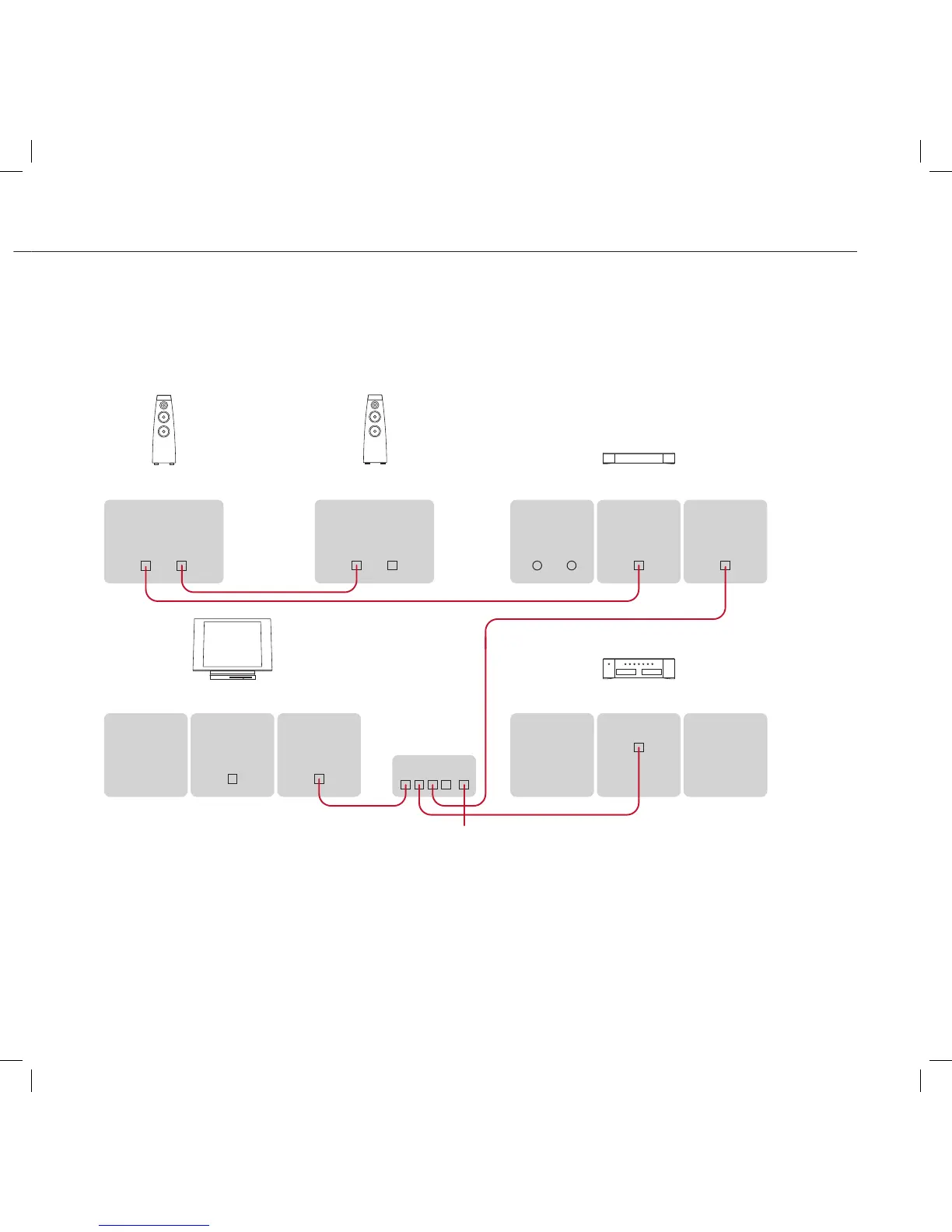
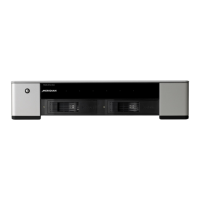
The Media Drive 600 can provide main or additional storage
for a Sooloos system, combined with other Meridian Sooloos
components such as the Media Source 600, and Control 15,
and a pair of DSP Loudspeakers:
To connect the Media Drive 600 to a Sooloos
network
Connect the Network socket on each component to one of
the LAN network connections on your Router, using a CAT-5e
or CAT-6 cable.
Make sure the WAN/Internet port on the Router is connected
to the rest of your network, or to your Cable/DSL Modem.
•
•
Use the Meridian Sooloos Configuration application to specify
one of the Sooloos components as the Sooloos system core.
You can browse and control music on the system using the
Control 15, or using the Sooloos application on an iPad,
iPhone, or iPod Touch, or the Control:PC/Control:Mac
application on a computer.


 To Next Page