adresini ziyaret ediniz!
Belirtilmeyen tüm ölçü birimleri milimetredir.(mm)
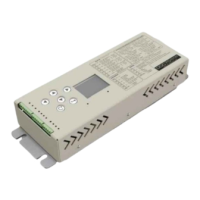
DDC70/DDC80
Her türlü değişiklik hakkı saklıdır.
KLV-09/Yayın Tarihi : 09.03.2023/Revizyon No: 00 /Revizyon Tarihi:
Sayfa :
Güncel dokümanlar için www.merihasansor.com adresini ziyaret ediniz!
Belirtilmeyen tüm ölçü birimleri milimetredir.(mm)
DDC70/DDC80
Her türlü değişiklik hakkı saklıdır.
KLV-09/Yayın Tarihi : 09.03.2023/Revizyon No: 00 /Revizyon Tarihi:
It is the information screen that shows the energy value,
temperature value, door speed, door position, door net entrance
size and direction information of the DDC70 and DDC80 door
control card, and error code if there is an error.
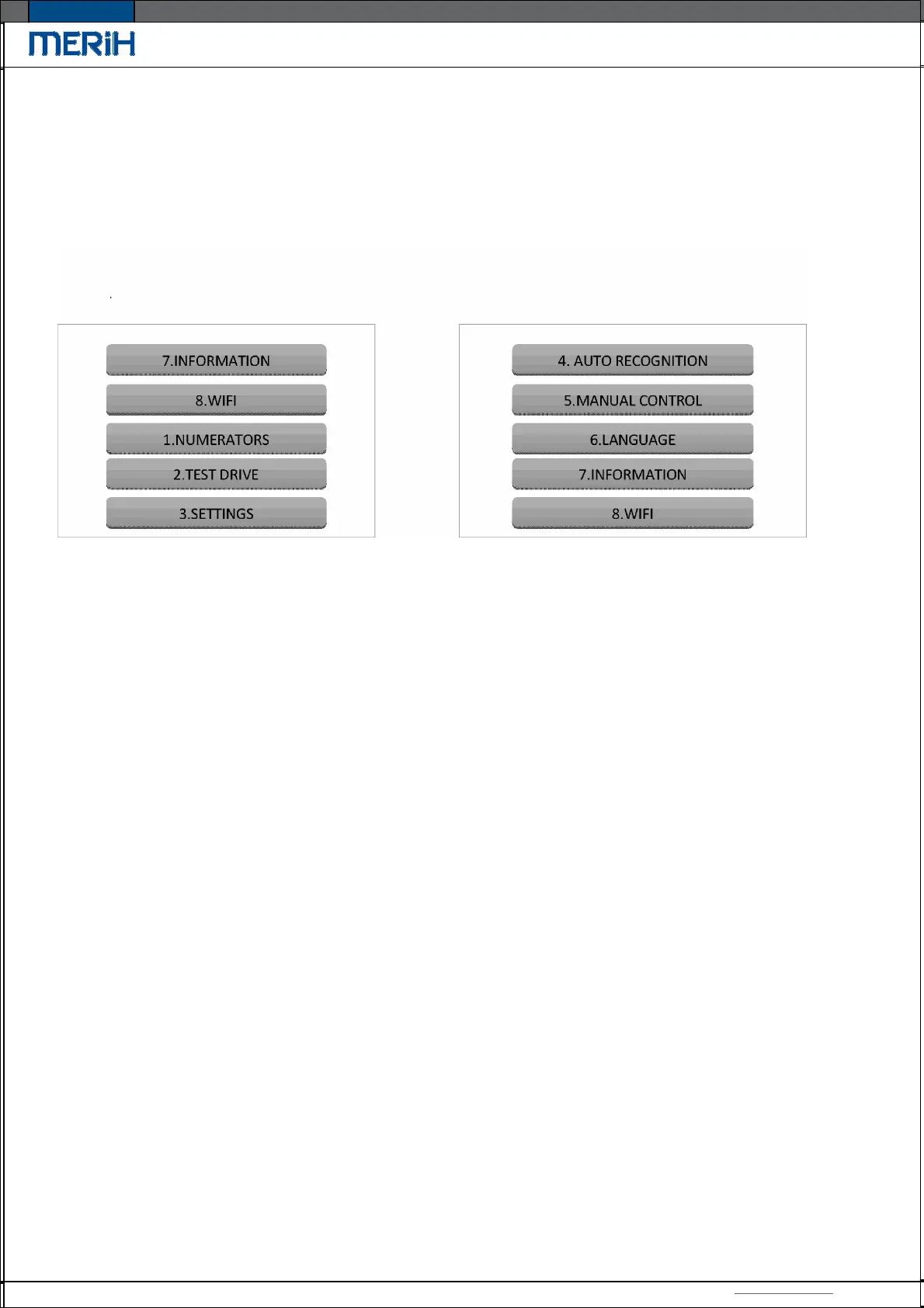
The content of main menu ;
> * Shows the menu address entered.
Example:
> 3.4.2
Settings Socket Settings Command Socket
The "Normal" icon appearing on the top right of the screen on the splash screen indicates that the
door is in normal operating mode.
Normal indicates that the door is in normal operating mode.
Learning indicates the door recognition stage during automatic recognition.
Fully open indicates that the door is fully opened during auto recognition.
Fully closed indicates that the door is completely closed during auto recognition.
Recognition finished means that relevant parameters for the current door have been update. It is
ready to use.
Saved is the notification displayed when the previous menu is switched by making changes in the
menu.
No change is the notification displayed when the previous menu is switched without any action on
the menu entered.
Manual Cont. indicates that it is controlled manually.
14


 To Next Page
 Loading...