Her türlü değişiklik hakkı saklıdır.
KLV-09/Yayın Tarihi : 09.03.2023/Revizyon No: 00 /Revizyon Tarihi:
Sayfa :
Güncel dokümanlar için www.merihasansor.com adresini ziyaret ediniz!
Belirtilmeyen tüm ölçü birimleri milimetredir.(mm)
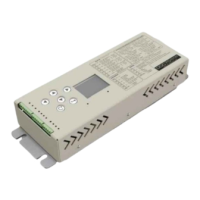
DDC70/DDC80
Her türlü değişiklik hakkı saklıdır.
KLV-09/Yayın Tarihi : 09.03.2023/Revizyon No: 00 /Revizyon Tarihi:
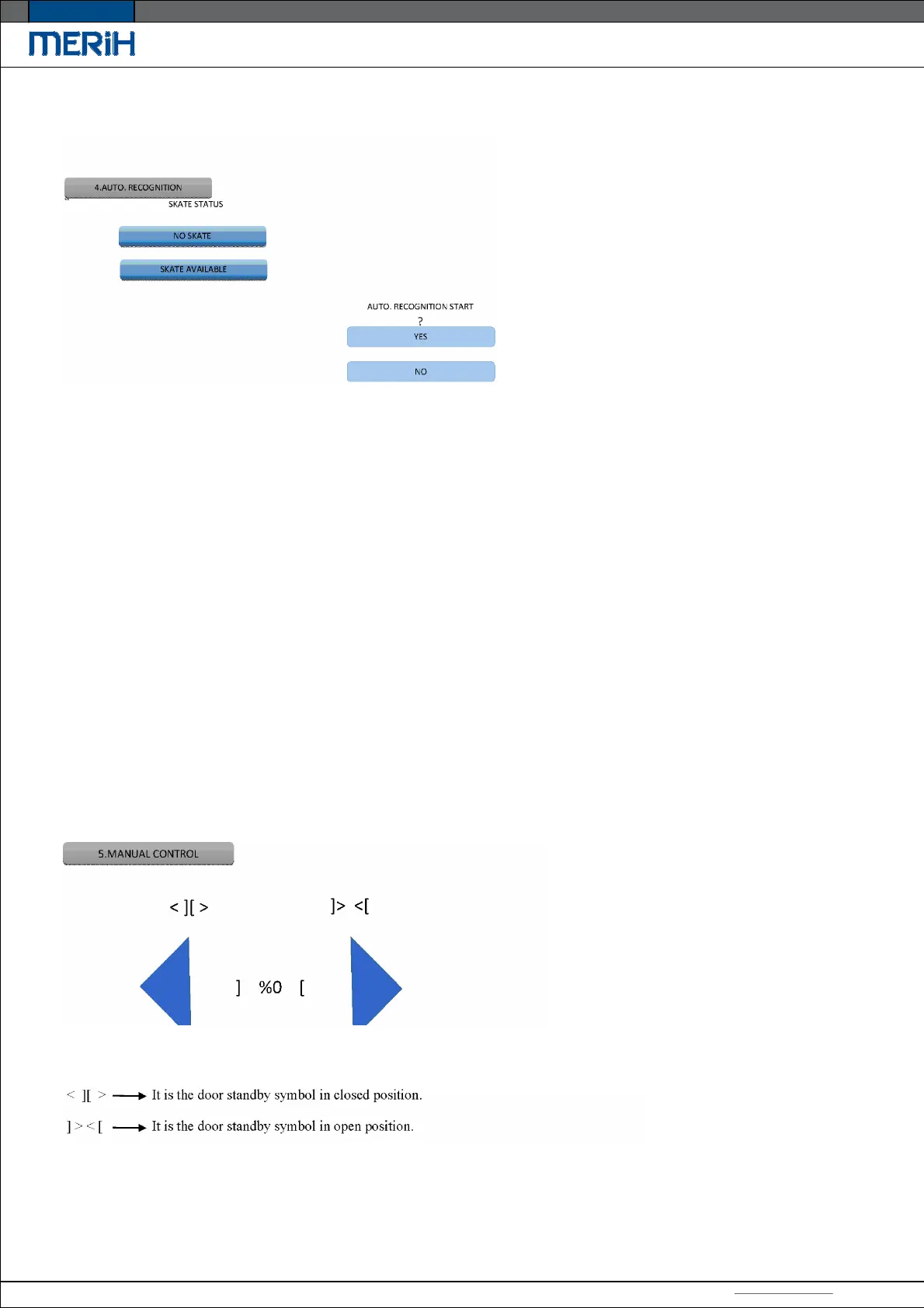
4.4.4.5.Automatic Recognition
Before starting the first use of the door card, the skate status is selected for the door to
which the card is connected. Then confirmation menu displays to start automatic
recognition. After confirming on this tab, the door will automatically start to recognize the
connected system. Learning, door position and record immediate notification will be
displayed on the upper section of LCD screen.
Correct entry of information during automatic recognition is very important for the
comfortable and proper operation of the door system.
!!! During automatic recognition, the door must be in the closed position.
Otherwise, the definition will not be made correctly.!!!
In cases where the system does not operate automatically, provided that the door lock
is not activated, when adjusting the door or panel, in cases where it is desired to be
controlled manually, the door is opened with the left direction button and the door is
closed with the right direction button. Door open and closed ratio is seen with a rate of
0%
4.4.6.Door Manual Control
25


 To Next Page
 Loading...