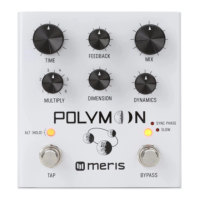
MERIS POLYMOON CONTROLS
TO START GLOBAL SETTING
CONFIGURATION MODE
MATHEMATICAL DREAM STATE
(Press to Select Phaser)
Slow: Stereo Barberpole phaser with fixed speed of 0.1 Hz
Sync: Stereo Barberpole phaser with speed linked to a
quarter note of the delay time
Slow + Sync: Stereo Barberpole phaser with speed
linked to a whole note of the delay time
Hold to access Alt Functions:
Alt Functions are only accessible when this button is held
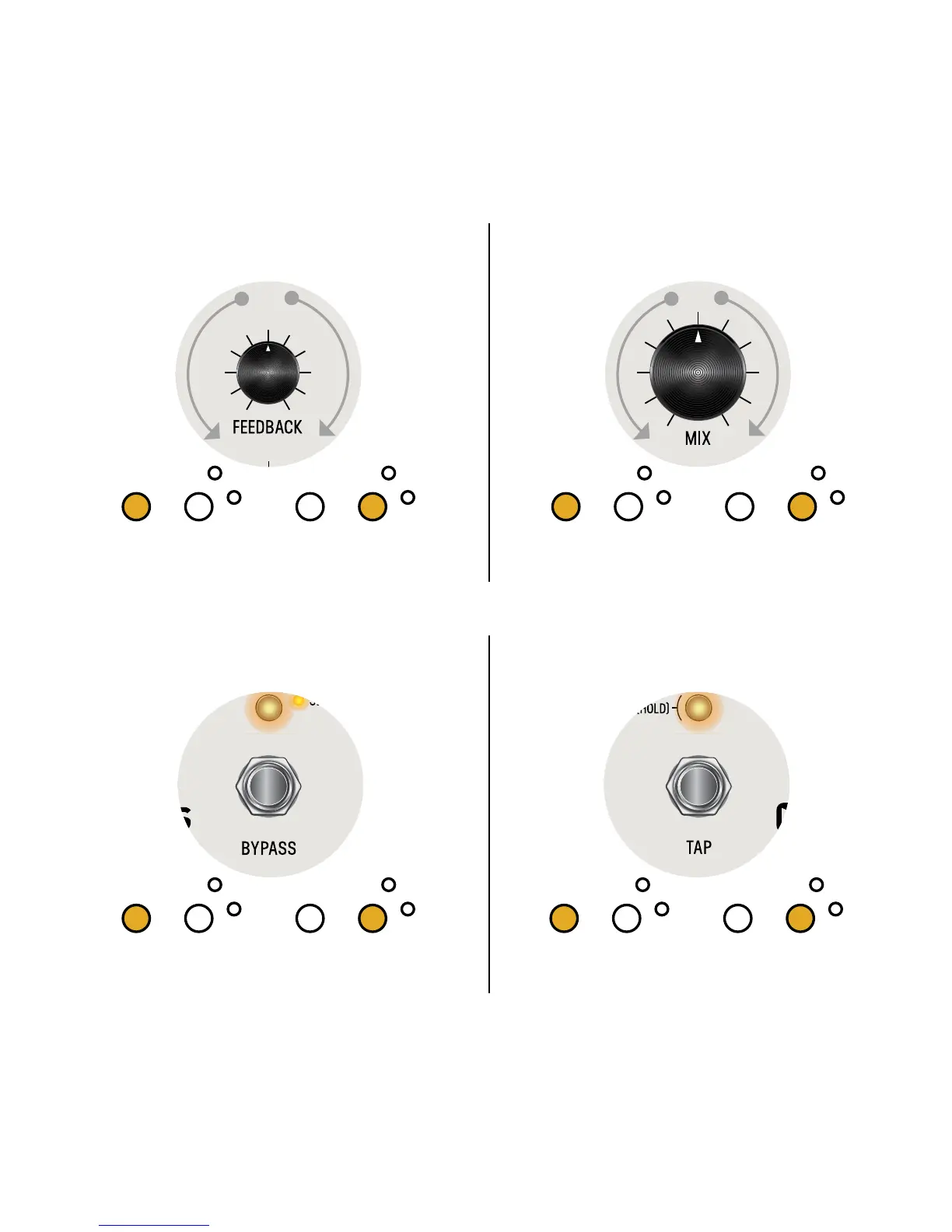
Tap: Sets the time for the delay and the synchronized phaser
Alt Function: Dotted Eighth Note
Changes current tempo from 1/4 notes to dotted 1/8 notes
Hold Tap: to engage Half Speed Delay
Time: Sets the time for the delay and the synchronized phaser
Alt Function: Early Modulation
Triangle waveform modulation of the early delay taps.
Ranges from gentle modulation, to FM, to pitch effects
Feedback: Sets the feedback amount
Alt Function: Feedback Filter Controls filter in the feedback path. Set to noon for no
filtering, set towards minimum for a darker filter, set towards maximum for a brighter filter
Mix: Adjusts the balance between Dry and Wet signals
Alt Function: Delay Level Sets the gain of the Wet signal.
Ranges from 0dB to -12dB. For auto-scaling, set to min
Bypass: Disables processing and passes
the input through to the output
Alt Function: Dynamic Flanger Feedback
Adds negative feedback to the Dynamic Flanger
HOLD (L) LED switch on power up (power up takes 3
secs); all of the front panels LEDs will blink 3 times
*With DRY MUTED, the pedal delivers wet
only in active mode; in bypass, the entire pedal is muted.
(L) LED indicates MONO (R) LED indicates TRS
INPUT MODE:
Dynamics: Sets the intensity/depth of the Dynamic Flanger.
Flanger is off at minimum
Alt Function: Dynamic Flanger Speed Sets the envelope
attack time or LFO speed based on the Dynamic Flanger Mode
Multiply: Sets the number of delay taps added to the output
Alt Function: Late Modulation
Triangle waveform modulation of the later delay taps.
Ranges from gentle modulation, to FM, to pitch effects
Dimension: Sets the dimension amount. Dimension smears and sustains the delay tap reflections
Alt Function: Dynamic Flanger Mode Set to minimum for Envelope Down, set to noon for Envelope Up, and set to maximum for LFO
S
T
E
R
E
O
I
N
(
T
R
S
)
M
O
N
O
I
N


 To Next Page
 Loading...