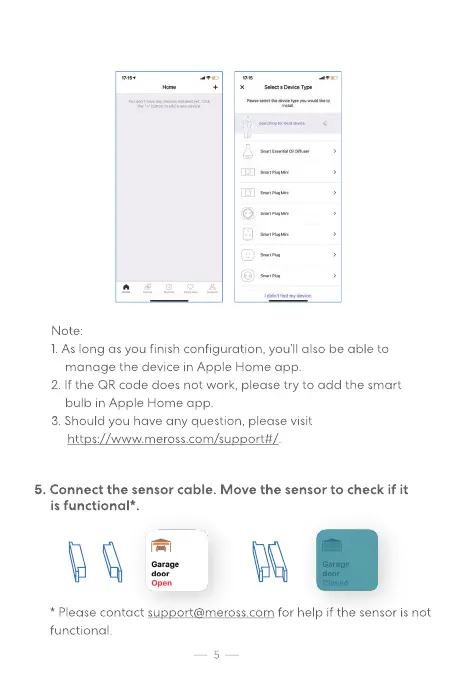
Note:
l. As long as you finish configuration, you'll also be able to
manage the device in Apple Home app.
2 If the QR code does not work, please try to add the smart
bulb in Apple Home app.
3. Should you have any question, please visit
https•.//www.meross.com/suoport#/
5. Connect the sensor cable. Move the sensor to check if it
is functional*
Please contact support@meross.com for help if the sensor is not
functional.


 To Next Page