3
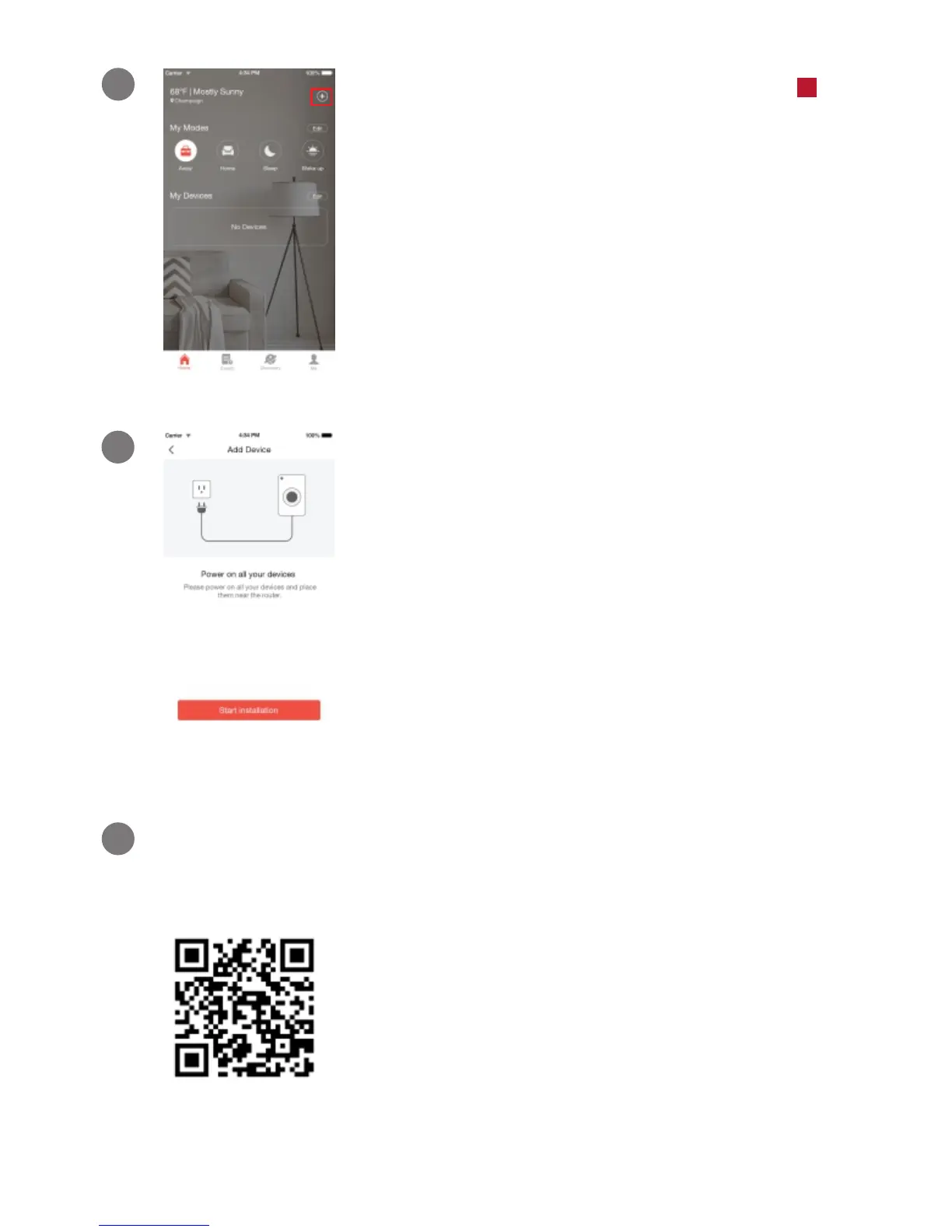
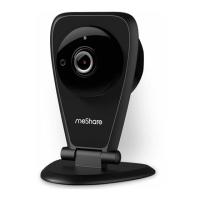
Power on your device. The status light
will blink green when the device has
powered on. Tap "Start installation" to
proceed.
2
3
Scan this QR code shown below when prompted by
the app.
Log in and press the Add Device
option in the upper right corner of the
Home Page.
+
1


 To Next Page