4
5
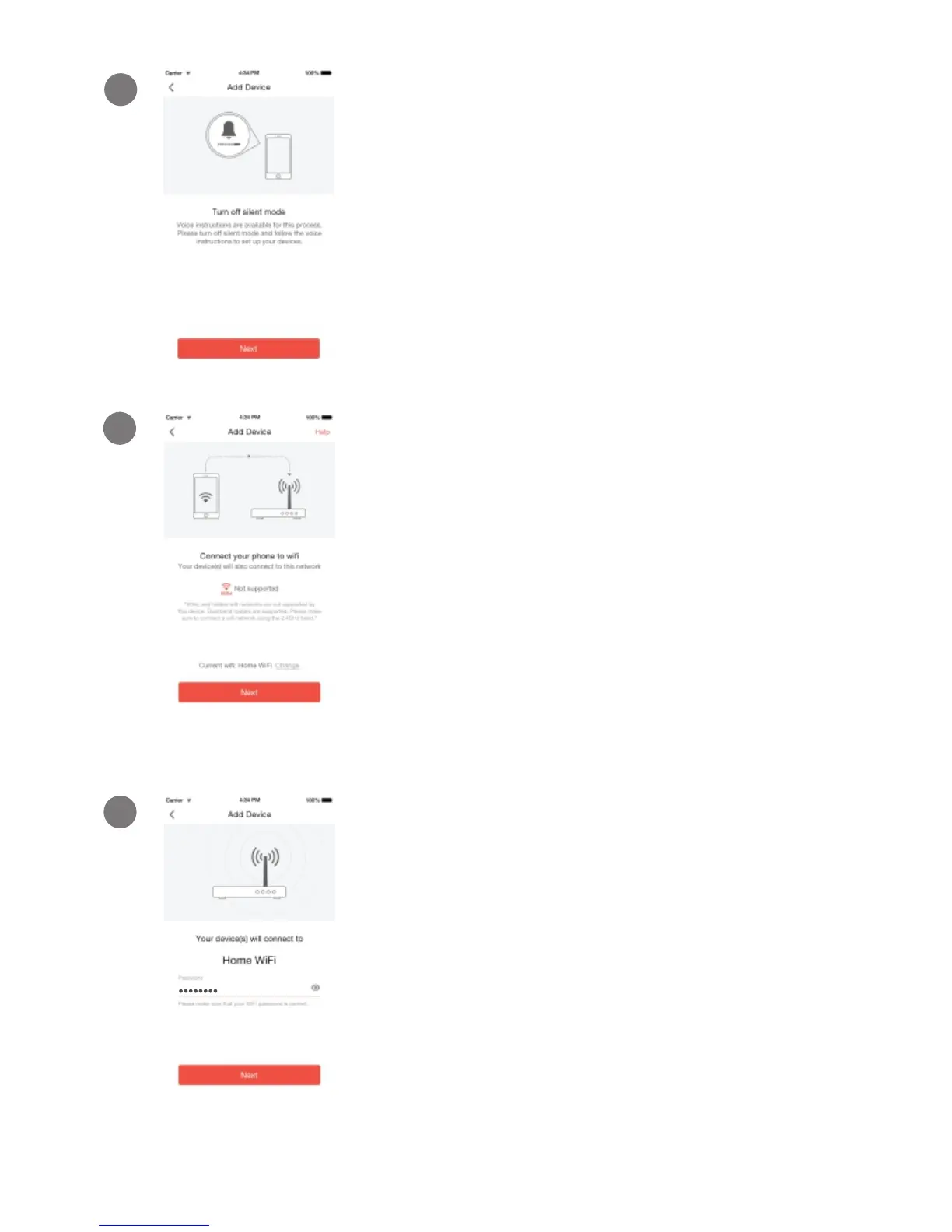
Connect your phone to the 2.4GHz
WPA-PSK/WPA2-PSK WiFi network that
you want your device to connect to
(network cannot be hidden). Tap "Next"
to proceed.
Turn up the volume on your phone to
hear voice prompts during the mobile
setup process. Tap "Next" to proceed.
4
Enter the password of the WiFi
network that you want your device to
connect to. Please make sure that
your WiFi password is correct. Tap
“Next” to proceed.
6
Note: The WiFi password is case-sensitive.



 To Next Page