EasyManua.ls Logo

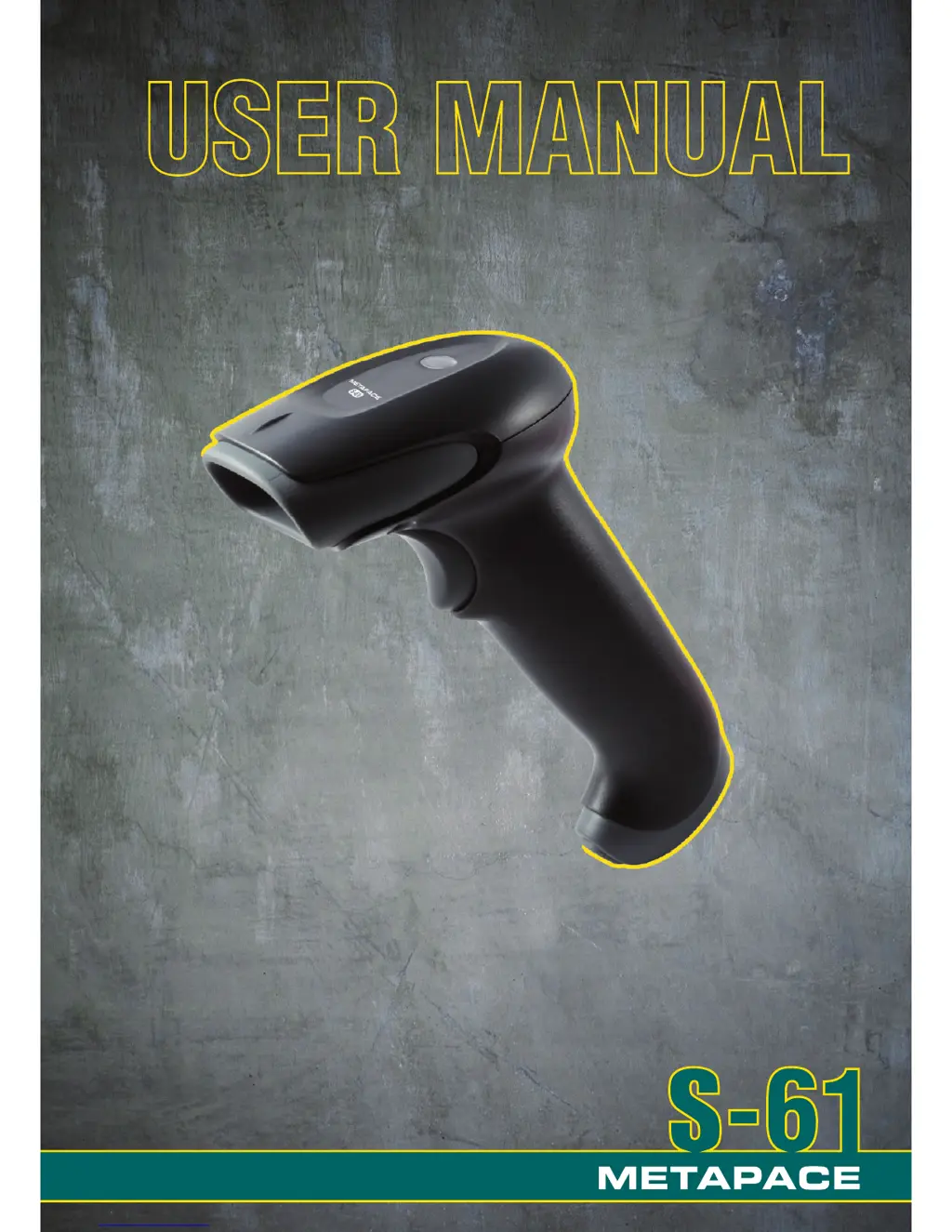
Metapace S-61 - User Manual

Metapace S-61
35 pages
Print Icon
To Next Page IconTo Next Page
Loading...

Questions and Answers

  • C
    Charles GentryAug 14, 2025
    How to troubleshoot Metapace S-61 Barcode Reader with no LEDs, beep or laser?
    • K
      Kara WrightAug 14, 2025
      If your Metapace Barcode Reader has no LEDs, beep, or laser, it indicates a power supply issue. First, check the transformer, outlet, and power strip to ensure they are functioning correctly. Also, verify that the cable is securely plugged into the unit. If the unit is powered by the host system, it might not be supplying enough current, so consider using a separate power supply.
  • E
    ellisonluisAug 18, 2025
    Why is Metapace S-61 Barcode Reader transmitting incorrect data to the host?
    • J
      jordanparkerAug 18, 2025
      If your Metapace Barcode Reader scans, but the data transmitted to the host is incorrect, the unit’s data format may not match the host system’s requirements. Verify the unit’s data format matches that required by the host and ensure the unit is connected to the proper host port.
  • E
    Elizabeth HowellAug 21, 2025
    What to do if Metapace S-61 Barcode Reader powers up, but does not scan and/or beep?
    • S
      Sean JacobsAug 21, 2025
      If your Metapace Barcode Reader powers up but does not scan or beep, it might be due to a disabled symbology or incorrect configuration. By default, UPC/EAN, Code 39, interleaved 2 of 5, Code 93, Code 128, and Codabar are enabled. Verify that the type of bar code being read has been selected. Also, the bar code being scanned must satisfy the configured criteria for character length lock or minimum length. The scanner defaults to a minimum of three-character bar code.
  • J
    John RossAug 25, 2025
    Why does Metapace S-61 lock up after the first scan?
    • K
      Kathleen StewartAug 25, 2025
      If your Metapace Barcode Reader scans a bar code but locks up after the first scan, and the red LED stays on, it indicates a host handshaking issue. If the unit is set up to support ACK/NAK, RTS/CTS, XON/XOFF, or D/E, verify that the host cable and host are supporting the handshaking properly.
  • E
    Emily RoyAug 27, 2025
    Why does Metapace Barcode Reader beep for some barcodes but not others?
    • A
      Andrea AyersAug 27, 2025
      If your Metapace Barcode Reader beeps for some bar codes but not others of the same symbology, it could be due to several reasons. First, the bar code may have been printed incorrectly (check for check digit/character/or border problems). Second, check if the correct minimum symbol length is set for the bar code.
  • S
    Samantha BautistaAug 31, 2025
    How to enable the beeper on Metapace S-61 Barcode Reader?
    • C
      catherine60Aug 31, 2025
      If your Metapace Barcode Reader powers up but does not beep, the beeper might be disabled or no tone has been selected. To resolve this, enable the beeper and select a tone.
  • T
    taylor58Sep 3, 2025
    What does it mean when Metapace S-61 beeps twice?
    • D
      daniel96Sep 3, 2025
      If your Metapace Barcode Reader scans, communicates, and beeps twice, the same symbol timeout may be set too short. Adjust the same symbol timeout for a longer time.
  • M
    Michael ThompsonSep 7, 2025
    What does it mean when Metapace S-61 Barcode Reader beeps three times at power up?
    • W
      williamsjamesSep 7, 2025
      If your Metapace Barcode Reader beeps three times at power up, it indicates a non-volatile RAM failure. Contact a customer service representative.
  • B
    brewercharlesSep 12, 2025
    What does it mean when Metapace S-61 Barcode Reader beeps twice and flashes LEDs at power up?
    • T
      thomaslowerySep 12, 2025
      If your Metapace Barcode Reader beeps two times and alternately flashes the LEDs at power up, it indicates a ROM failure. A flash ROM upgrade is required.

Summary

Disclaimer

Introduction

Components

Describes the physical parts of the scanner with labels.

Maintenance

Provides instructions on how to clean and care for the scanner unit.

Caution and Serial Number Labels

Cable Installation and Removal

Installation

Steps to insert the modular connector into the scanner socket and secure the cable.

Removal

Procedure to safely detach the scanner cable using a pinhole release mechanism.

Scanner Operation

Audible Indicators

Describes the meanings of single and triple beeps during power-up and operation.

Visual Indicators

Failure Modes

Typical Depth of Field

Presents a table showing the scanner's depth of field for various bar code element widths.

Troubleshooting Guide

Design Specifications

Operational Specifications

Details light source, laser power, scan speed, interfaces, and print contrast.

Mechanical Specifications

Lists the scanner's length, width, height, and weight.

Electrical Specifications

Environmental Specifications

Configuration Introduction

Bar Code Configuration Methods

Describes the two methods for configuring the scanner using bar codes: Single-Code and Multi-Code.

Returning to Factory Defaults

Code Types and Decode Rules

2 of 5 Codes

Explains configuration options for ITF Symbol Length Lock and ITF Minimum Symbol Length for 2 of 5 codes.

Additional Decode Features

Details configuration for Minimum Symbol Length and Symbol Length Lock for non-UPC/EAN barcodes.

Supplements

Scanner Operation

Redundant Scans

Explains settings for requiring multiple good decodes for a single scan.

Data Transmission Delays

Describes how to set intercharacter delays to manage data transmission to the host.

Laser;Scan Modes

Covers automatic scanning, continuous blinky scan, and manual trigger modes.

Prefixes;Suffixes

User Configurable Prefixes

Allows assignment of custom prefix IDs for data transmission.

Standard Prefix Characters

Options to enable/disable standard prefixes like STX.

Standard Suffix Characters

Options to enable/disable standard suffixes like CR, LF, Tab, ETX.

User Configurable Suffixes

Code Formatting

UPC;EAN Formatting

Controls check digit transmission, UPC-E expansion, GTIN, and UPC-A to EAN-13 conversion.

Code Bytes Usage

Code Bytes 0-9

Provides bar codes representing code bytes 0 through 9 for configuration purposes.

Reserved Codes

Limited Warranty

Metapace S-61 Specifications

General IconGeneral
TypeHandheld
Scanning TechnologyLaser
Protection ClassIP42
ConnectivityWired
Supported Barcode Types1D
InterfaceUSB
Power SupplyUSB

Related product manuals