WEB'log Comfort 110621 - en 7/53
3.2 Operator control elements
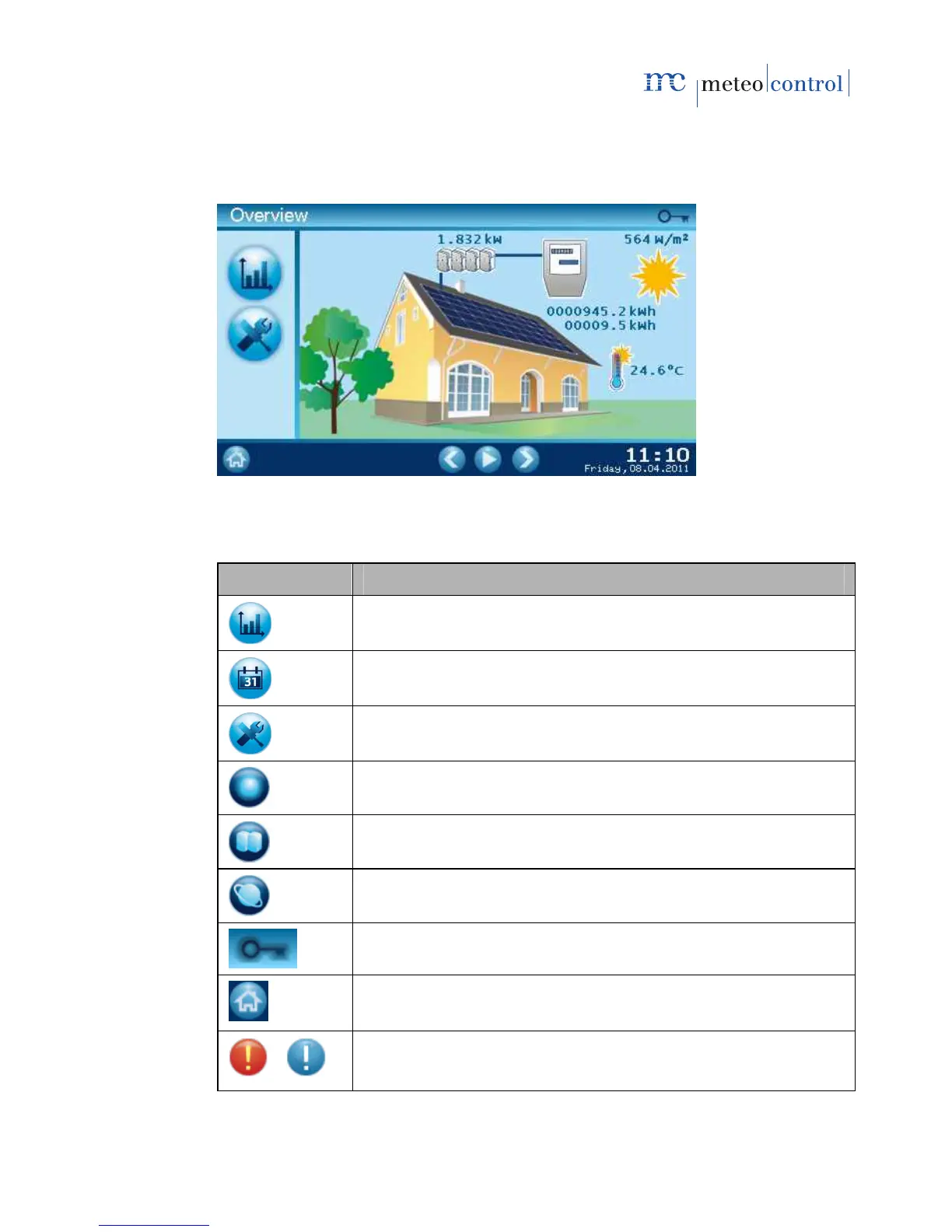
The data logger is equipped with a touch-sensitive screen (touch screen).
Fig. 2: Touch screen
Symbol Meaning
Go to Diagrams menu
Go to Time selection (Day, Month, Year) menu
Go to Settings menu
Go to System settings menu
Go to Inverter menu
Go to Internet menu
Operator mode display: Administrator
Go to Overview menu
Local alarm active (red background)
Messages (blue background)



 To Next Page