-10-
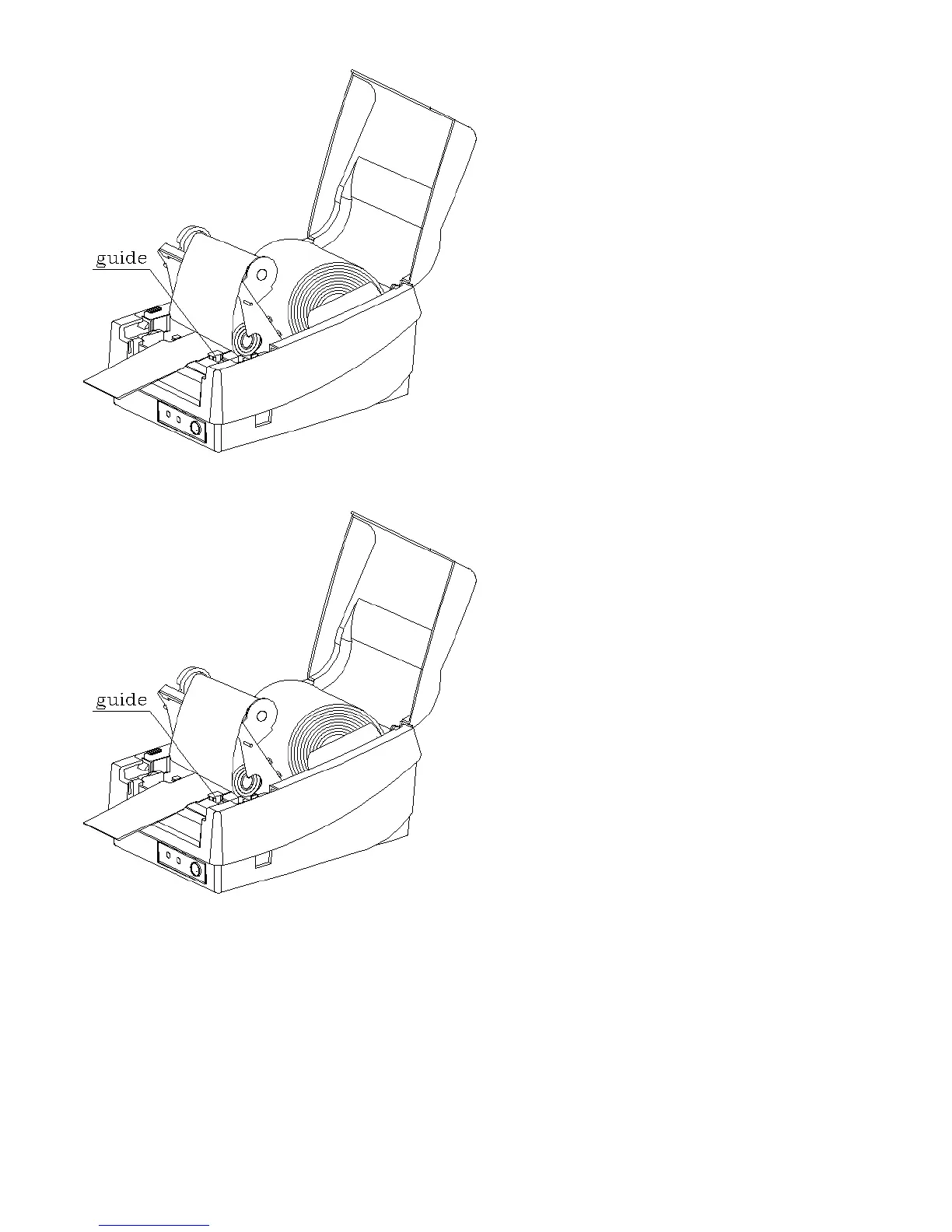
Loading Media When Dispenser is Equipped
1. Follow the same procedure as above for steps 1~5.
2. Peel off, remove 6-inch labels and route the label backing through the dispenser bar into roller gap between the feeding
roller and dispenser roller.
3. Turn on the power to “1” position.
4. Press “FEED” button and the label backing will advance to dispensing position.



 To Next Page