-6-
Setting up the Printer
Before setting up the printer you should first consider the following:
♦ Find a solid flat surface with adequate room for the printer. Make sure
there is enough room on the top side for the media and ribbon access.
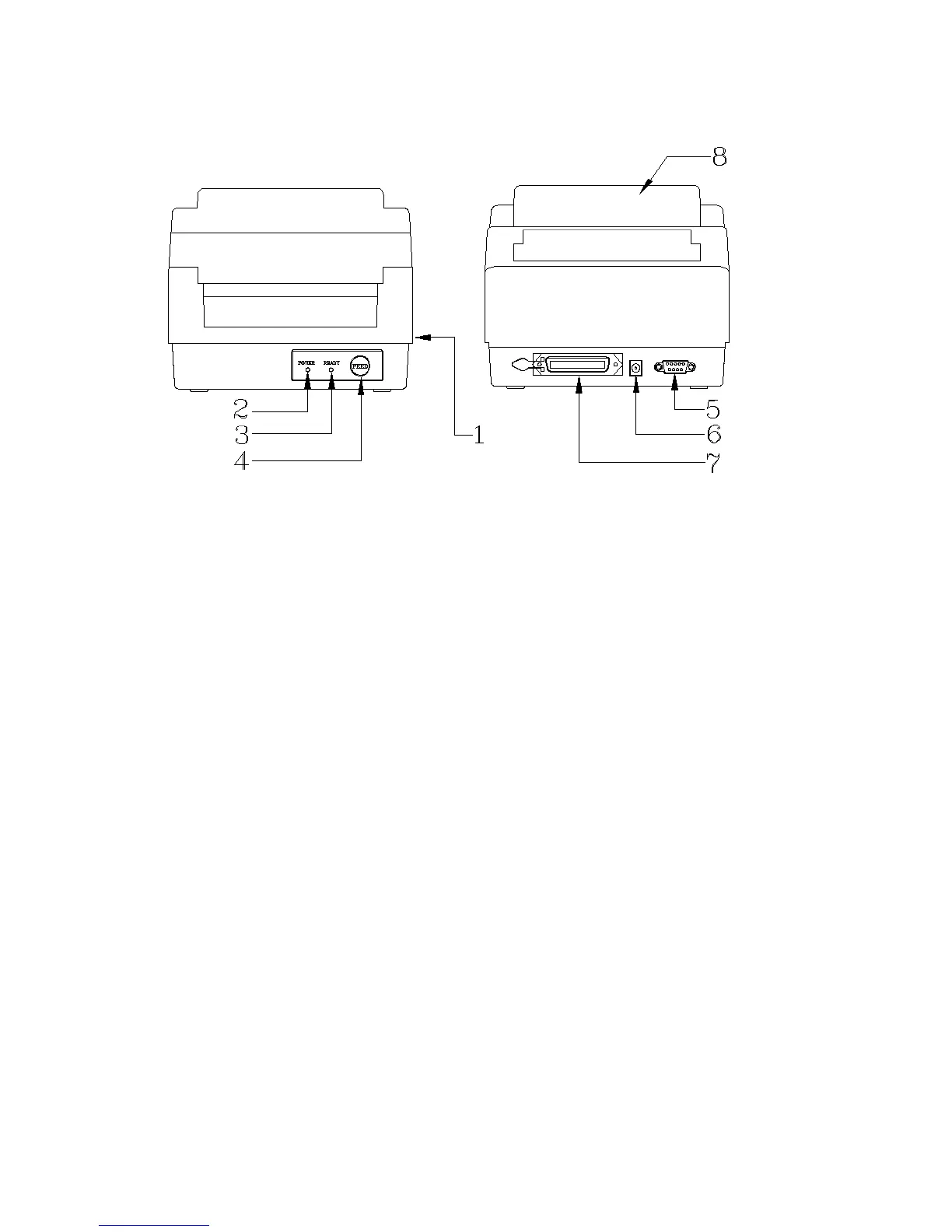
♦ The location should be near the host or terminal. Consider the distance between host and printer for the communication cable
(serial or parallel cable)
♦ Clear the ground and isolate from other electrical cables for the power adapter.
Connecting the Power Cord
1. Leave the power switch at the ”O” position.
2. Connect the power supply plug to the power jack and the other end to your AC source.



 To Next Page