REV. 10/22/2018 INST99-6514B
7
VIDEO OPTION SCREEN
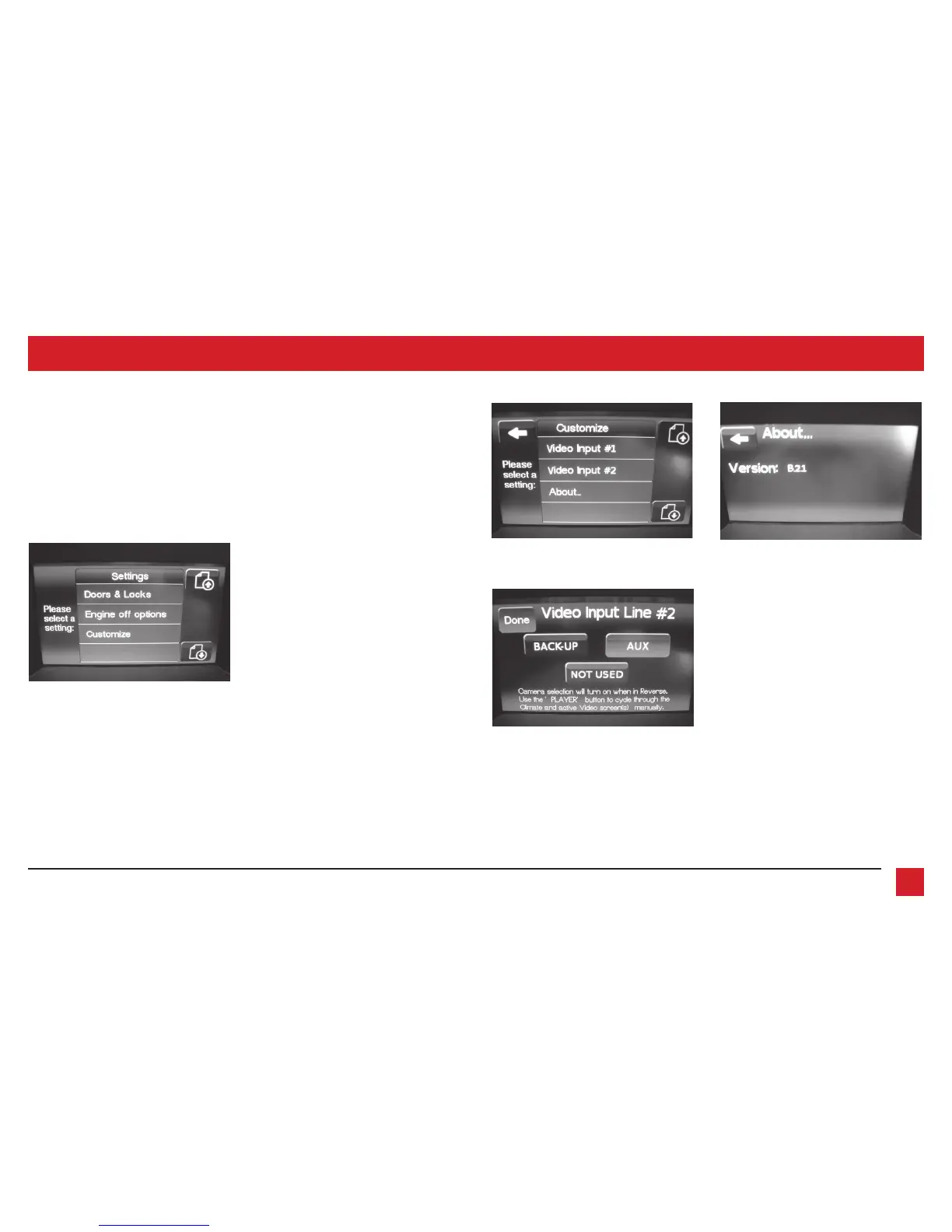
2. Once in the Customize menu, select
Video Input 2 to select a desired source.
Please note that Video Input 1 is not
available with this kit. Press About to
view the current software of the kit, and
also the VIN of the vehicle. (Figure B, C,
and D)
Note 1: The backup camera input is
controlled by data and will only activate
while the vehicle is in reverse.
Note 2: AUX video is controlled by data
and will only work while the vehicle is in
park.
1. The settings screen provides access to
some of the factory settings retained,
and also the options available with the
kit. Select Customize to access options
available. (Figure A)
(Figure A)
(Figure C)
(Figure B) (Figure D)



 To Next Page