5
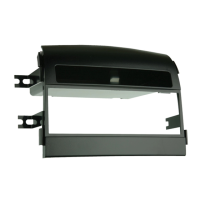
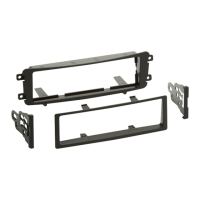
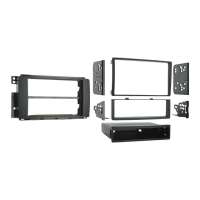
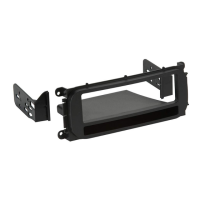
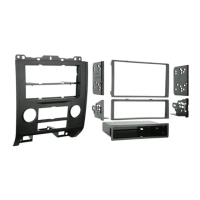
Kit Assembly 99-7329
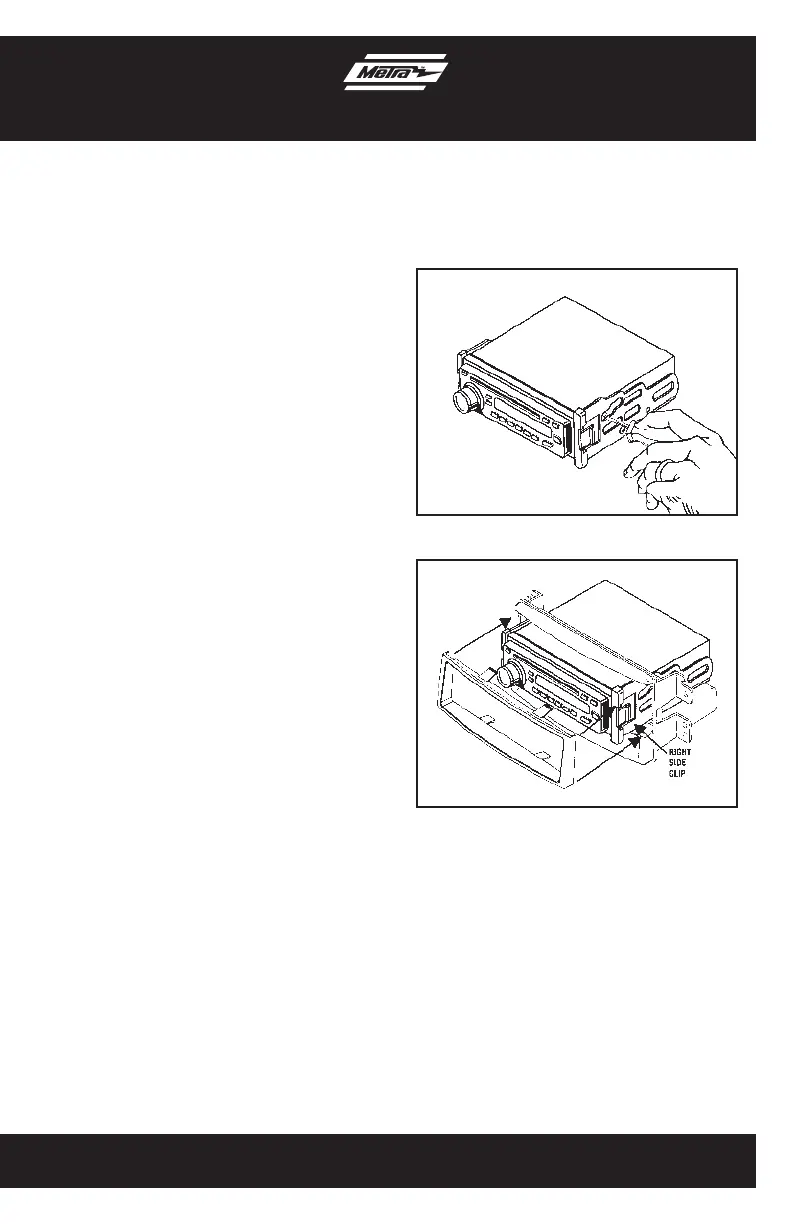
1. Align the holes from the ISO snap in
brackets with the holes in the side of
the radio and mount the brackets to the
radio using screws supplied with the
radio. (Figure A)
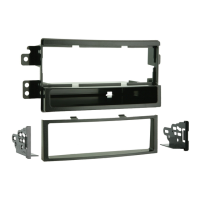
2. Slide the radio/bracket assembly into
the radio housing until the assembly
snaps into place. (Figure B)
3. Snap the ISO Trim-plate onto the Radio
and housing assembly. (Figure B)
4. Locate the factory wiring harness in the
dash. Metra recommends using the
proper mating adapter from Metra or
AXXESS. Re-connect the negative
battery terminal and test the unit for
proper operation.
5. Reassemble dash in reverse order
of disassembly.
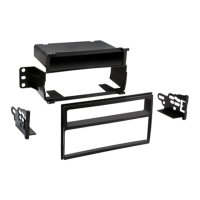
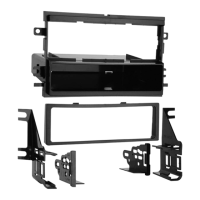
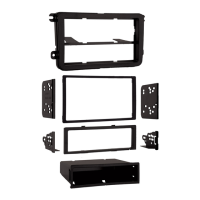
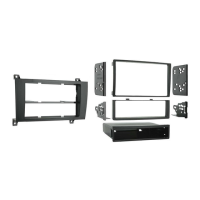
Stacked ISO mount radio provision
with pocket
(Figure A)
(Figure B)



 To Next Page