2
DASH DISASSEMBLY
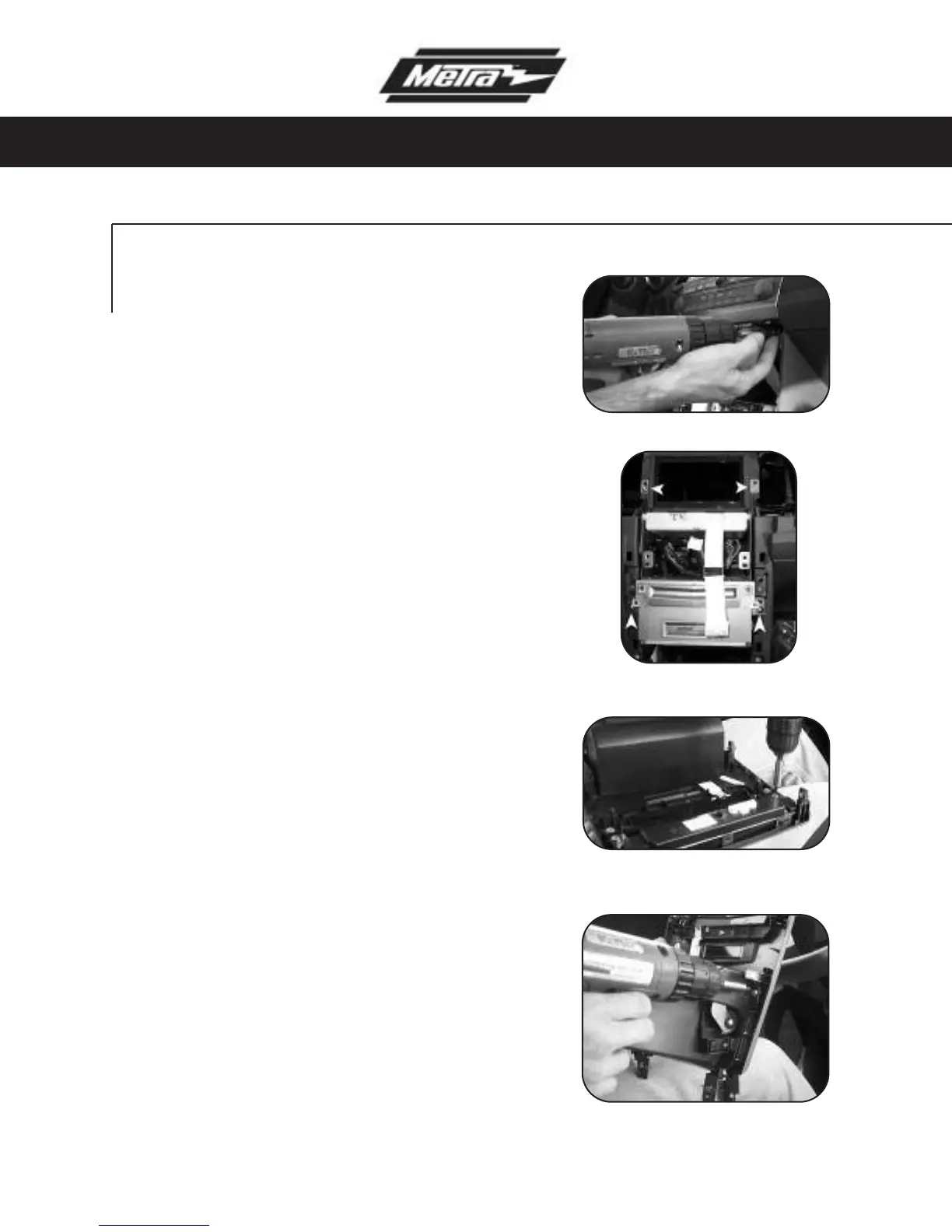
Remove (2) Phillips screws at the bottom
of the display panel and unclip and remove
the panel.
(Figure F)
6
Remove (4) Phillips screws to remove
the audio/climate control/display as
one unit.
(Figure G)
7
Remove (4) Phillips screws from each
side of radio/tuner to remove from
audio/climate control/display bracket
assembly.
8
Remove the (4) Phillips screws secur-
ing the factory climate control button
assembly to the radio panel and
remove. Note: Retain all hardware to
be used in Kit Assembly.
(Figure H)
9
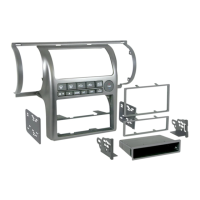
Remove (4) Phillips screws securing
the factory pocket assembly to the
radio panel and remove. Note: Retain
all hardware to be used in Kit
Assembly.
(Figure I)
10
F
G
H
I
99-7404



 To Next Page