
 Need help?
Do you have a question about the Metra Electronics DP-3002B and is the answer not in the manual?
Unsnap and remove the factory dash panel.
Depress the tabs securing the factory radio and remove it.
Cut and remove the radio rear support shelf from the dash cavity.
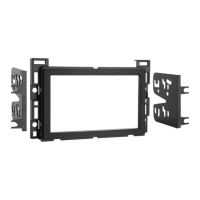
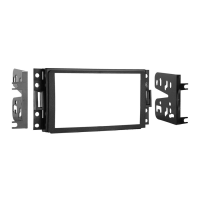
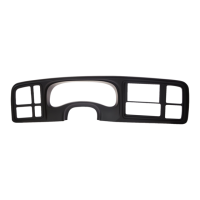
Install the 11 included panel clips to the radio trim panel.
Secure radio brackets to the radio with screws and slide into dash opening.
Snap the radio trim panel over the radio until it clicks in.
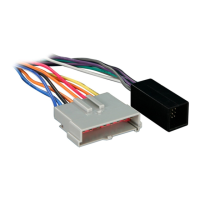
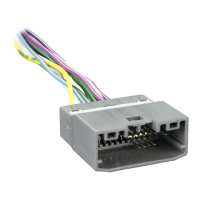
Locate factory wiring harness, use adapter, and test radio for proper operation.
Reassemble the dash in reverse order of disassembly.
 General
| Brand | Metra Electronics |
|---|---|
| Model | DP-3002B |
| Category | Automobile Accessories |
| Language | English |


 To Next Page