All-Engineering BV
https://metrumacoustics.com
info@metrumacoustics.com
• Mains supply: First check or the marks on the backside of the "AMETHYST" if it matches the
power requirements for the specific country.
• Mains inlet: Use the supplied power cable to a grounded power outlet.
Operation
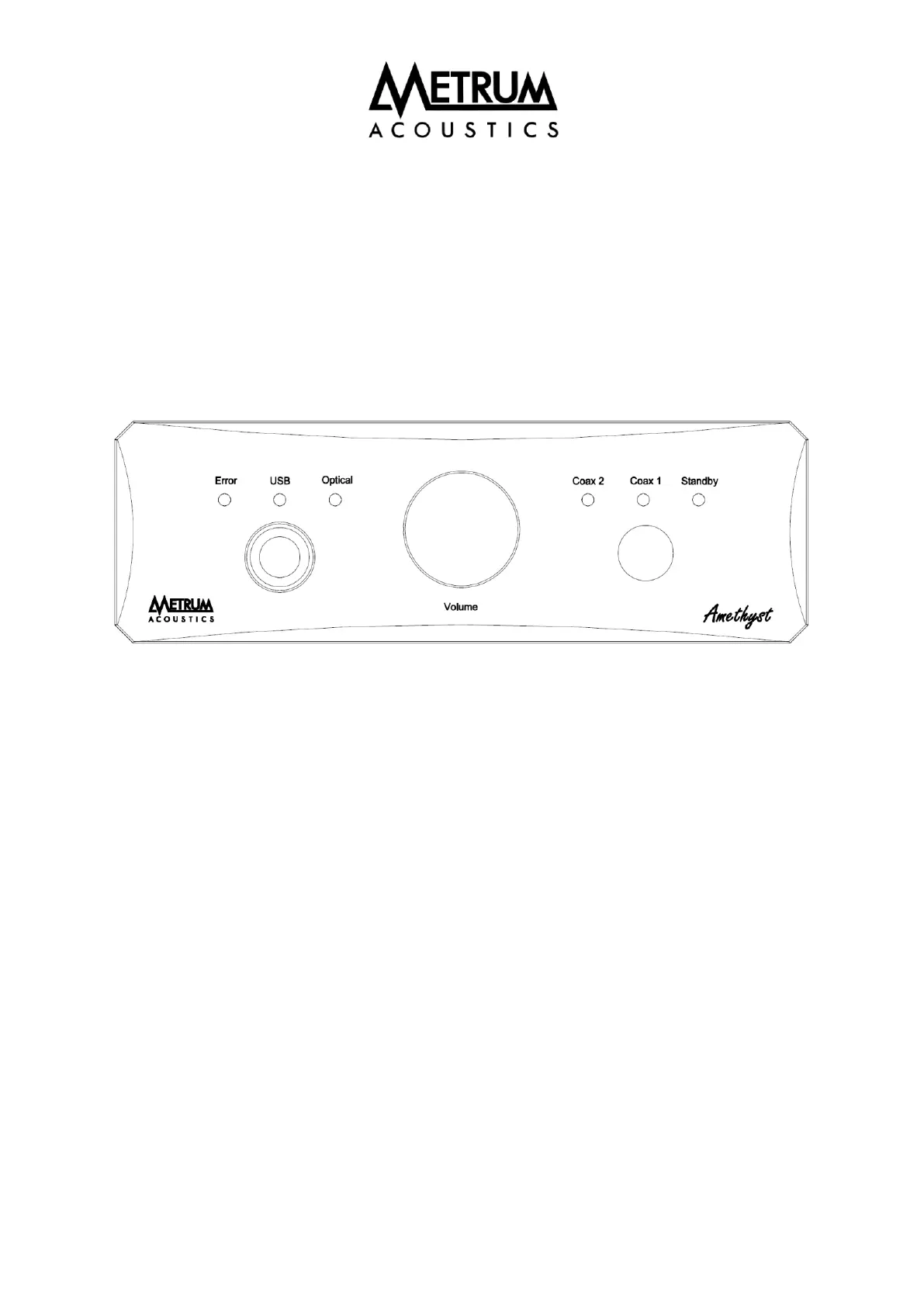
• On/Standby: If the main switch (on the back of the DAC) is on, the DAC comes into a “stand
by” state. There is just one button to toggle through the five possible states of the DAC.
• Mute function: By powering the DAC the mute function will be active for two seconds.
When switching the DAC to standby muting will be active again.
• Source selection: The digital inputs can be selected by using the only available button on the
front which toggles from right to left and back to standby.
• Error indication: The orange led on the left side of the DAC will lit when no digital data is
available. When feeding the selected input with the right digital data, the led will go off .


 To Next Page