Displaying the Firmware-Version
To request the firmware-version of your MFB-301 Pro, make sure HTerm has recognized the
unit.
On the MFB-301 Pro, press and release Shuffle, then press Play.
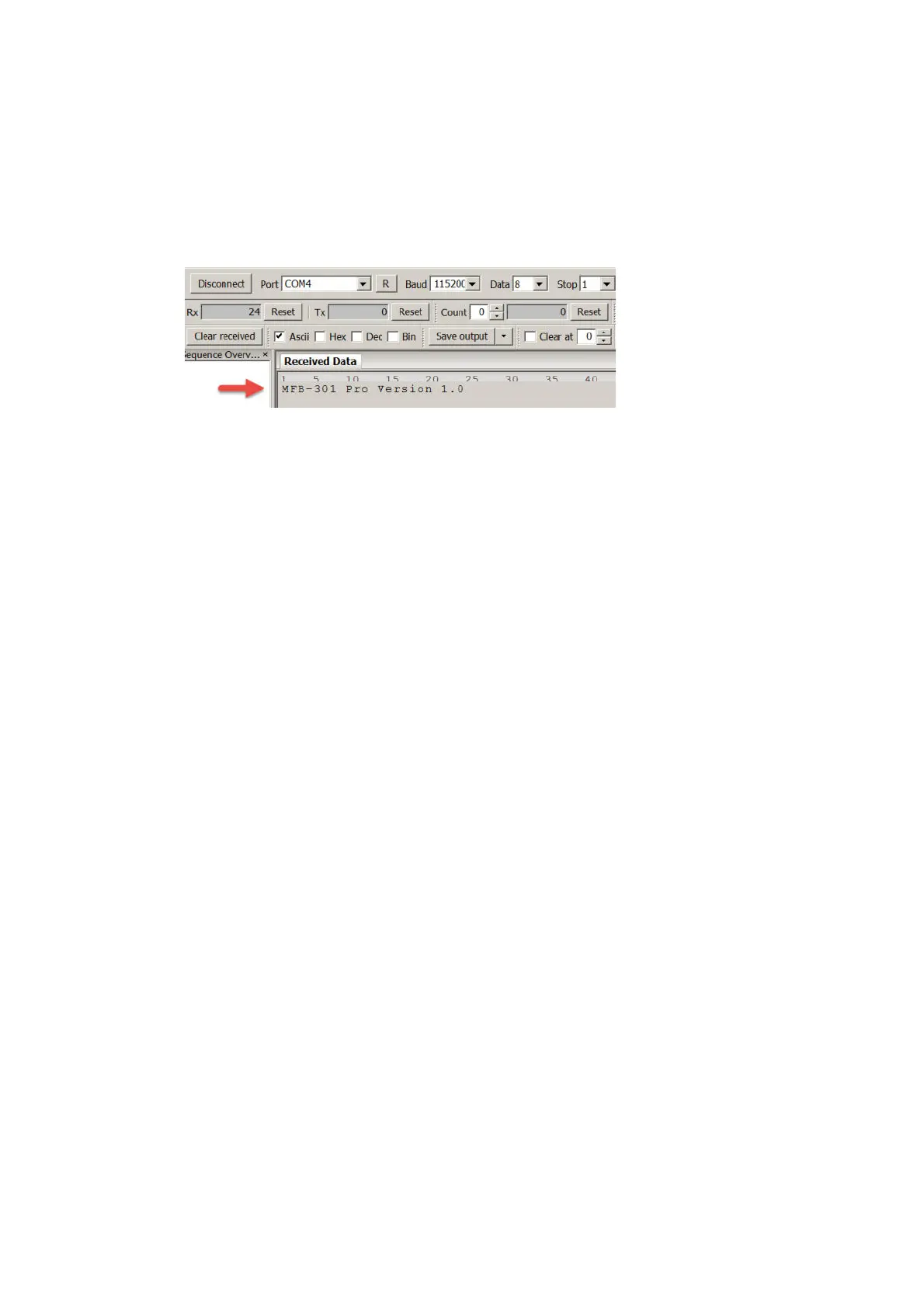
The software will now display the firmware-version under Received Data, e.g.
MFB-301 Pro Version 1.0
Hint: If this is not the case, please double check whether the ASCI-option in the software has
been disabled (It needs to be enabled).
2


 To Next Page