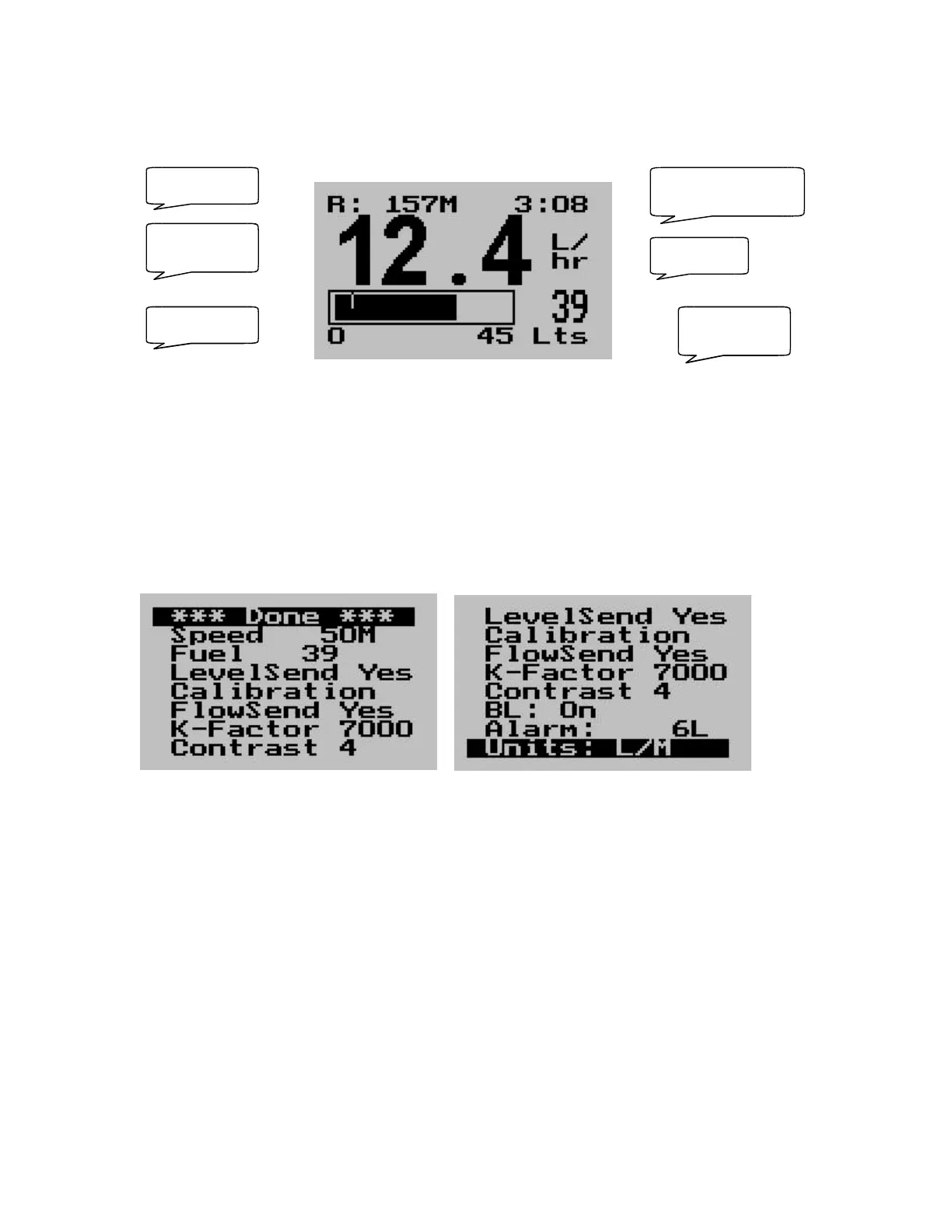
The main display
Setting up the FF-1
Press the Menu key to enter the menu. You can move forward and backwards in the menu by
using the + and – keys. To change or select a menu item, move the highlight to the desired item
and then press the Menu key. To end an edit or function, press the Menu key again.
To exit the menu and continue normal operation, select the ***Done*** function and press the
Menu key. Note, all changes you have initiated during your session will only be remembered by
the instrument if you exit the menu using the ***Done*** function.
Speed
Enter your aircrafts cruising speed. This value will be used to calculate the fuel range, i.e. how far
you can fly with remaining fuel at zero wind speed. For this calculation, your current remaining
fuel, your current fuel flow and the speed entered here are taken into account.
You can easily change the speed during flight to reflect changes in ground speed or cruising
speed.
Use this function with care and do not use it to extend your range. You must at all times have a
secondary indication of available fuel. Note that flow senders and level senders may be subject to
malfunction that may result in incorrect fuel levels being displayed or calculated.
Fuel endurance
hours:minutes
Fuel low
alarm level
Fuel flow
Fuel range
Fuel level Remaining
fuel



 To Next Page