Page 8
Product Function
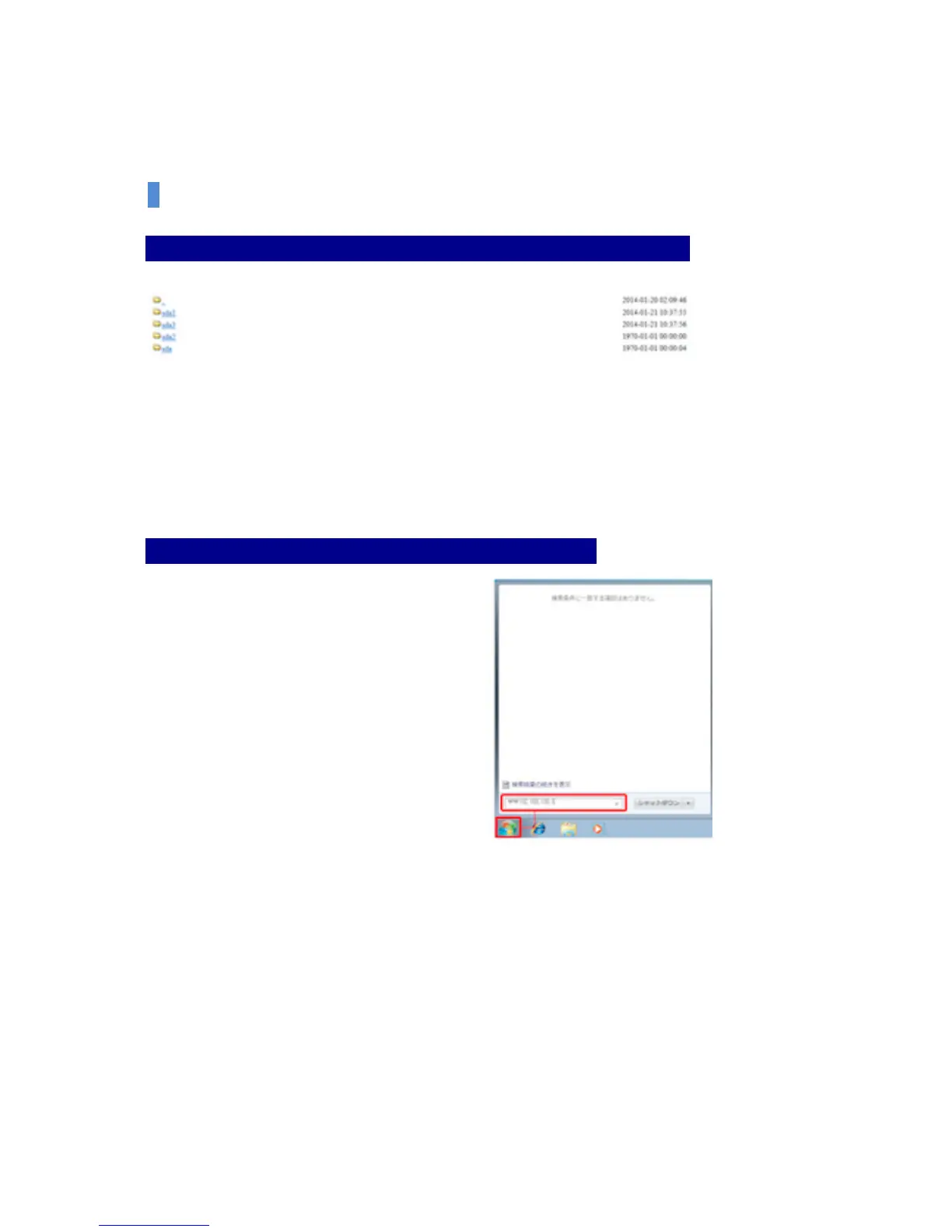
Step 3: You can see a successful connection status to the external storage device.
SDA folder shall be formed as much as the number of partitions of the divided storage device.
(Ref. SDA folder is formed for the system stability. Therefore, it is formed as the above when you
connect the external hardware which is divided into three partitions.)
Convenient Connection through Window Network (Only for window users)
Step 1: After clicking the start button at the bottom left of window,
Enter ₩₩192.168.100.1 at the program
and file search window.


 To Next Page