Page 7
Product Function
Wireless Storage Device Function [Use at PC or Laptop]
At the present era of which the dynamic exchange of information is considered very important,
WX1 is the easiest and cleverest method of sharing the data. Through WX1, it is not only easy to
use the contents of external devices such as the external hardware and USB memory on tablet PC,
Smartphone and PC but also convenient to store and play files.
Connect with External Storage Device (Necessary setup process for use)
Step 1: Please connect the external storage device to USB port of WX1.
Step 2: Please set the power switch of WX1 to ‘ON’.
Step 3: Please select WX1 at the wireless network connection and connect WIFI between PC and
WX1. (Refer to step 3 on page 6)
Step 4: The setup to use the external storage device has been completed.
Connection through Web Browser (Explorer, Chrome, etc)
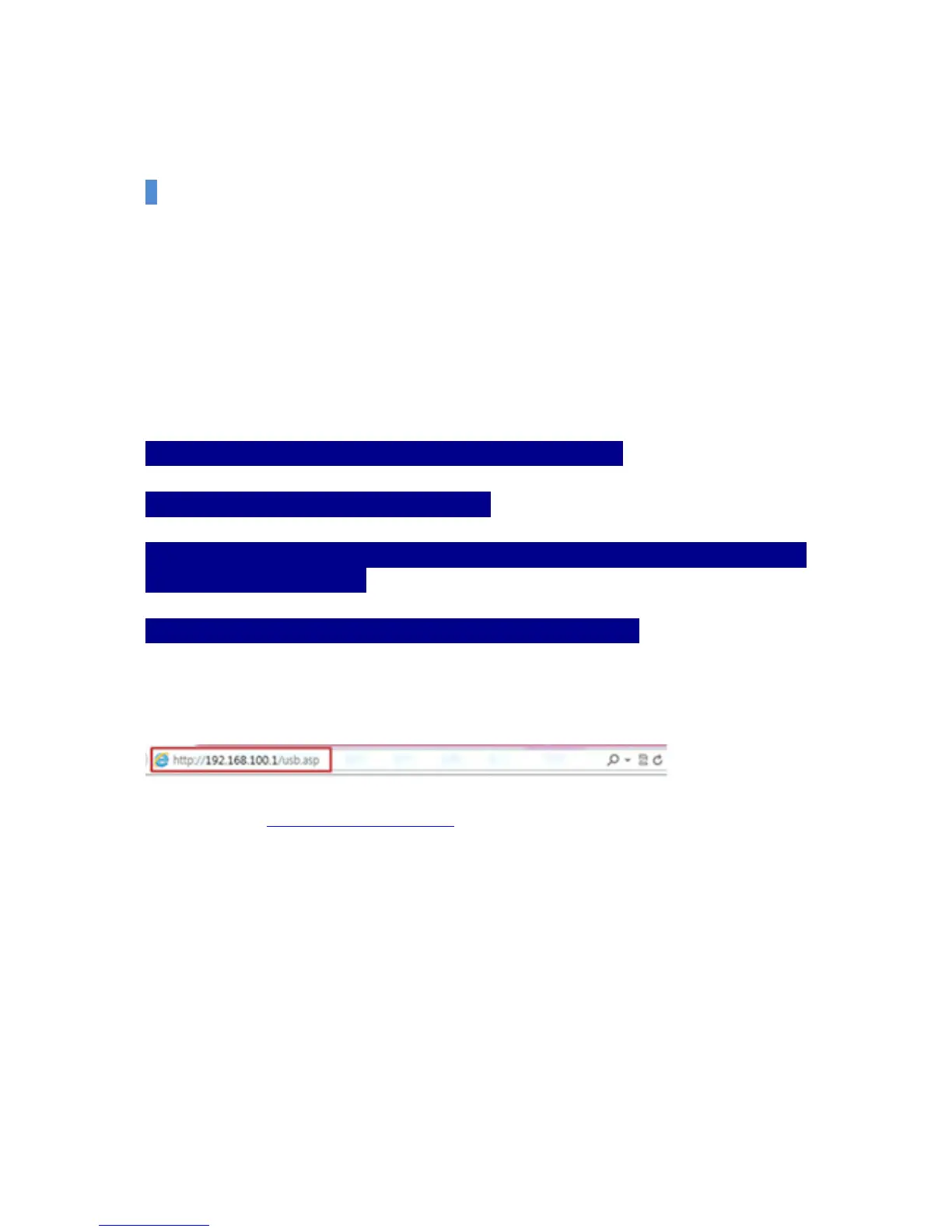
When you enter http://192.168.100.1/usb.asp in the address bar of the web browser (Explorer,
Chrome, Safari), you can see the data of external storage device.


 To Next Page