7
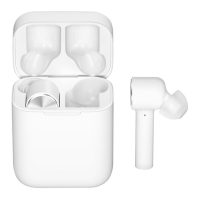
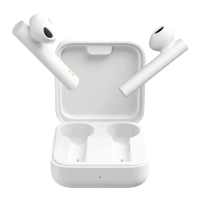
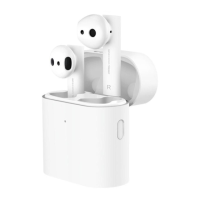
Reset Earbuds
If the earbuds cannot connect properly, please
carry out the following steps to reset: Remove
the earbuds from the charging case, and make
sure they are turned off. Press and hold the
multi-function button on both earbuds for about
15 seconds. After the indicator alternately blinks
red and white three times for twice, then release
the button and place the earbuds back in the
charging case. Delete the earbuds from the list
of paired devices on your device, and then pair
them with your device again.


 To Next Page