Troubleshooting
Fault Solution
No projected image Turn o the projector and disconnect from the power, then plug in the power cord and turn on the projector.
Android system crashes Turn o the projector and disconnect from the power, then plug in the power cord and turn on the projector.
Screen display error Turn o the projector and disconnect from the power, then plug in the power cord and turn on the projector.
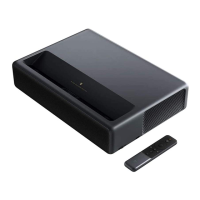
Remote control is missi ng or not paired and
the projector cannot be turned on remotely.
Turn o the projector and disconnect from the power. Wait for Þve minutes, then plug in the power cord
and turn on the projector. A er the projector has been restarted, pair the remote control again.
If the projector overheats,
it will automatically turn o.
Please remove any obstacles from the air inlets and outlets so as to ensure a smooth airßow through the
projector. Follow the instructions above to restart the projector.
Other Internal System Errors
Please contact a qualiÞed technician to service t he device, or return the projector to the a er-sales department.


 To Next Page