with the settings in the parameter 'Access code'. If
they match the program menu is accessed.
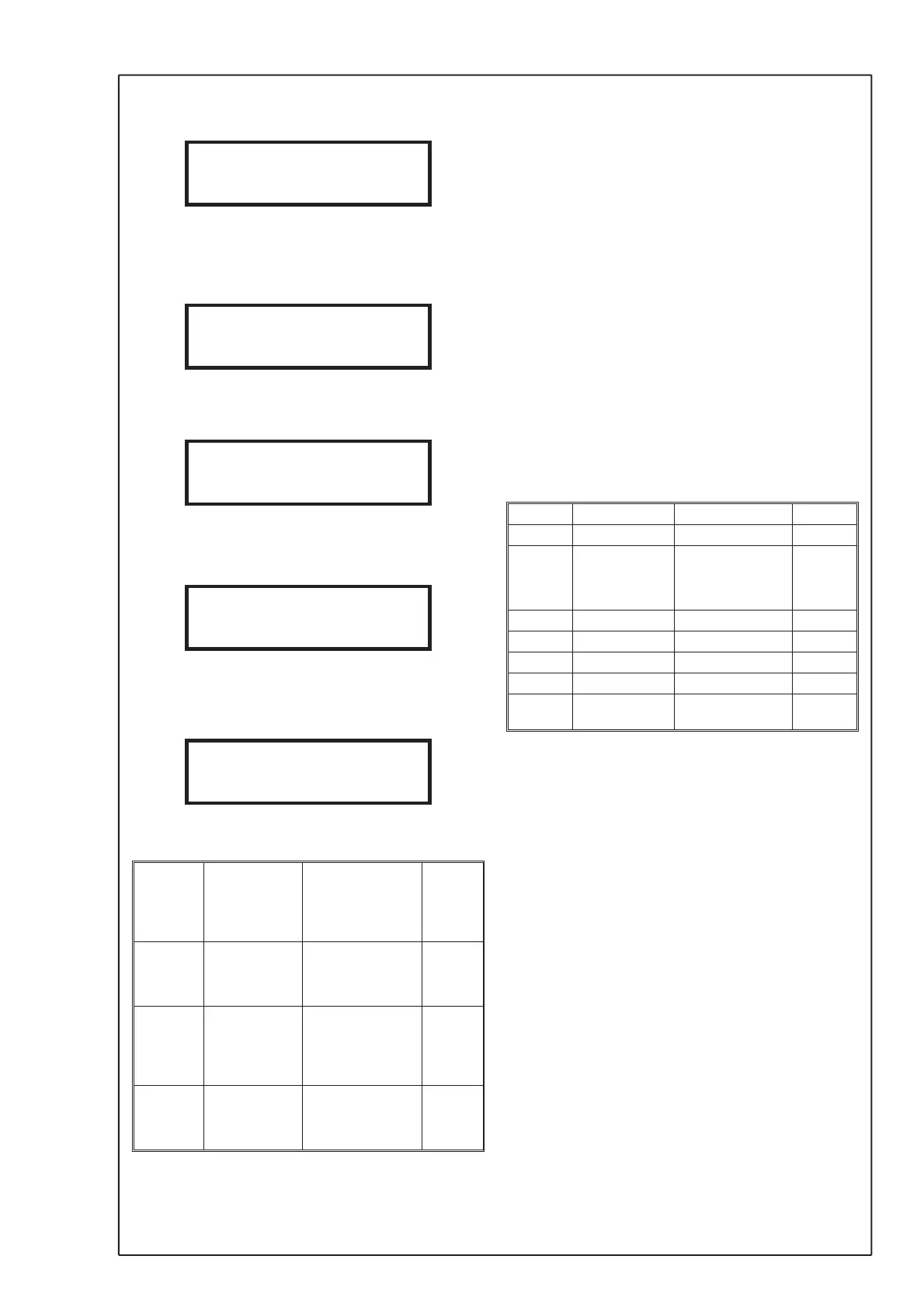
The menu is accessible until the ESC-key is
pressed one or several times and the preset start
menu is displayed. Example:
If the code does not match the programmed settings
following screen appears
for a period of 2 second before shifting to the "Enter
code" screen again.
By pressing the ESC-key during the operations the
programming of the code is aborted and the preset
start menu is displayed.
3. Outputs
19 Output 1 dP
FLOW
PI2
TEMP
CLEAN
20 Signal 1 0..10V
2..10V
0..20mA
4..20mA
21 Output 2 dP
FLOW
PI2
TEMP
CLEAN
22 Signal 2 0..10V
2..10V
0..20mA
4..20mA
Select the sources for the two analogue outputs. The
selection is possible between actual value of pres
-
sure or flow, PI-control output for pressure or flow,
actual value for temperature measurement and
purging control (CLEAN).
NOTE ! There is only one controller in the unit. The
source for the PI-controller is programmed under
“PI2 controller”.
To measure and control flow or velocity it is neces
-
sary to connect the unit to a flow measurement de
-
vice mounted in the duct or fan inlet etc.
When controlling the purging function, the signal
output is 0 mA in OFF position and 20 mA in purging
condition. The output signal controls a relay inside
the purging unit, therefore the signal must be set to
mA-output and be programmed for 0...20mA.
Select the output signal for the two outputs, 0/2...10
VDC or 0/4...20 mA. You must also set the DIL-
switch on the circuit board for VDC or mA output.
It is possible to have VDC on one output and mA on
the other.
4. Pressure
23 MinCal[Pa] -32768...32767
24 MaxCal[Pa] -32768...32767
25 Unit dP Pa
PaDec
mbar
iwc
26 Min Range -32768...32767
27 Max Range -32768...32767
28 Min Out -32768...32767
29 Max Out -32768...32767
30 Sign dP POS
NEG
If the unit is used for flow measurement, you do not
need to do any programming under the parameter
group “Pressure”.
MF-PFTT is factory calibrated to a special range.
The range is marked on the label on the right side of
the casing. The calibration is always in Pa. Under
“Pressure” you also find the calibrated range, “Min
Cal” and “Max Cal”. These values are only notes
and are not possible to change.
If you want to change to another unit programme
“Unit dP”. Select Pa, Pa Dec (Pa with decimal),
mbar or iwc (inch water). When programming a new
unit the actual range is shown under “Min range”
and “Max range”. These values are only notes and
not possible to change. To change the range in se
-
lected unit or factory programmed unit, programme
“Min output” and “Max output”. The programmed
values shall always be in the selected unit (Pa,
Pa,dec, mbar, iwc). When scaling, note that the ac
-
curacy always is in % of the factory scaled range.
Sign for dP
When measuring a negative pressure normally the
MF-PFTT will show the same as measuring a positive
pressure (no sign). When programming “Sign dP” NEG
you get a negative (-) sign before the actual value.
5
© AB MICATRONE 2009-02-12 [H:\ Apps \ Typeset \ Mima \ Mi-261gb_090212.vp]
AB MICATRONE
Flow 12.34 m3/s
INVALID CODE
PROGRAM-MENU
ENTER CODE: 0***
PROGRAM-MENU
AB MICATRONE
Flow 12.34 m3/s
Current values



 To Next Page
 Loading...