Copyright © 2009-2011 Micca, Ltd. All rights reserved.
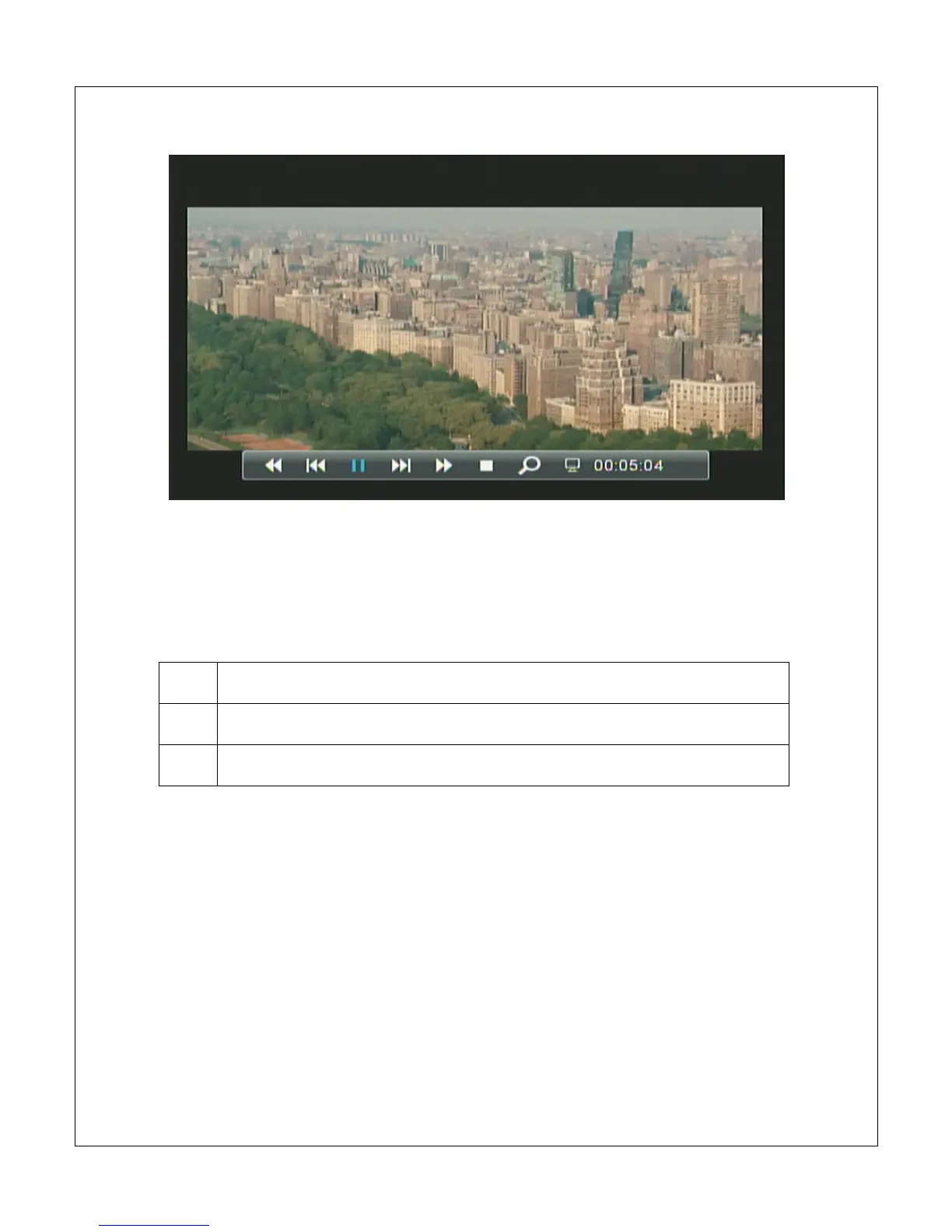
The on screen display menu presents a selection of playback control icons on
screen. The menu contains navigation icons for Rewind, Skip Back, Skip
Forward, Fast Forward, Play/Pause, Stop, Zoom, and jump-to time mark. With
the on screen display visible, the following controls are available:
Highlight icon to the left
Highlight icon to the right
OK
Execute the highlighted playback control command
To jump to a time mark in the current video, press the <OSD> button to bring up
the on screen display menu. Use the <
> and <
> buttons on the remote
control to highlight the hour, minute, or second section. Use the <
> and <
>
buttons on the remote to enter the desired time mark. When finished, press the
<OK> key on the remote to jump to the entered time mark.



 To Next Page