Copyright © 2009-2011 Micca, Ltd. All rights reserved.
IX. Music Mode
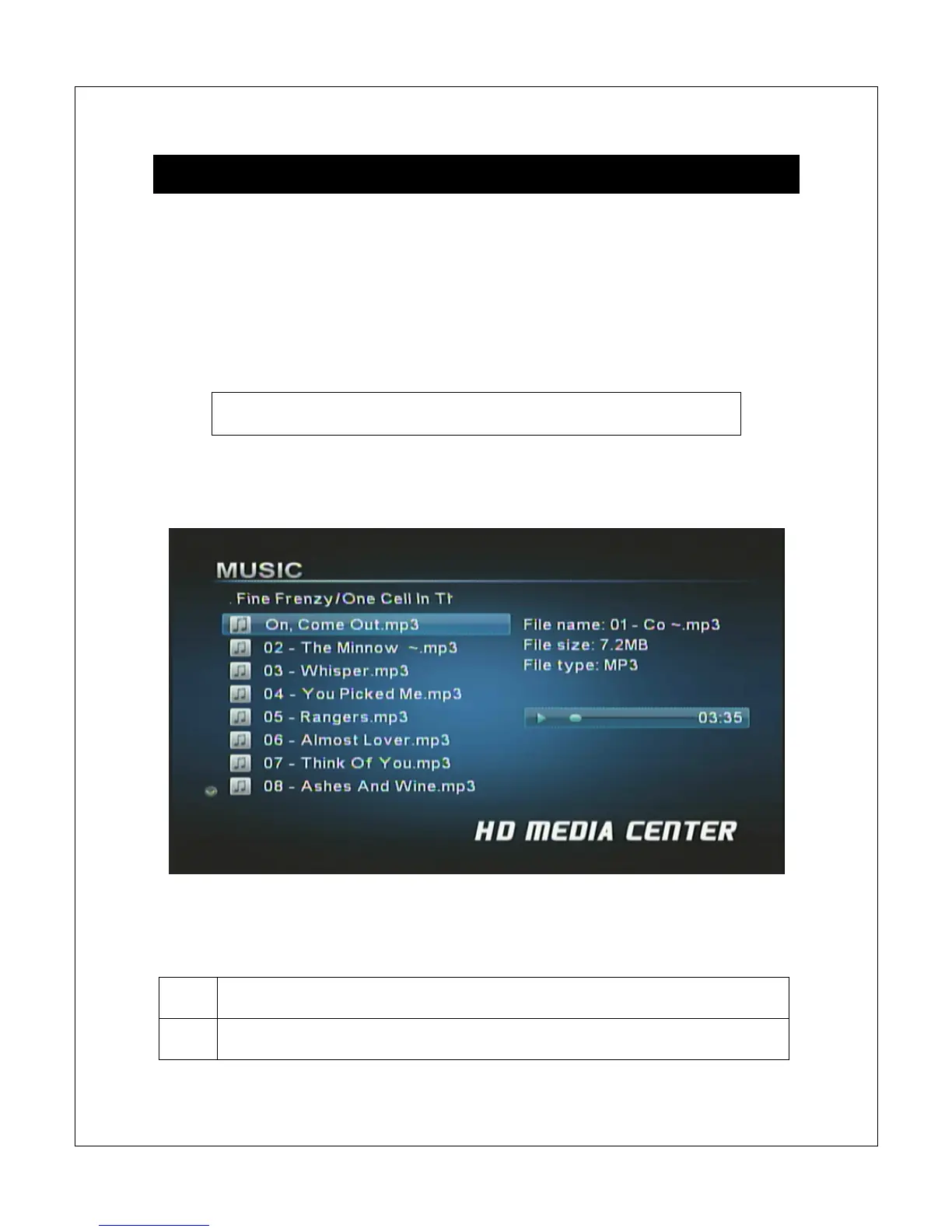
In Music mode, the Micca MPLAY displays a file/folder directory on the left side
of the screen, and a playback box on the right. Navigate the folders to locate
music files you wish to play. Highlight a compatible audio file and it will
automatically start to play after a short delay. By default, the Micca MPLAY will
continuously and repeatedly play all music files in a folder in alphabetical order
until stopped or turned off.
Quickly jump to music mode by pressing the <Music> button on
the remote control.
NOTE: Only files with compatible music file extensions MP3 and WMA are visible
in the file/folder directory.
In music mode, the following navigation and playback controls are available while
browsing the file/folder directory:



 To Next Page