EasyManua.ls Logo

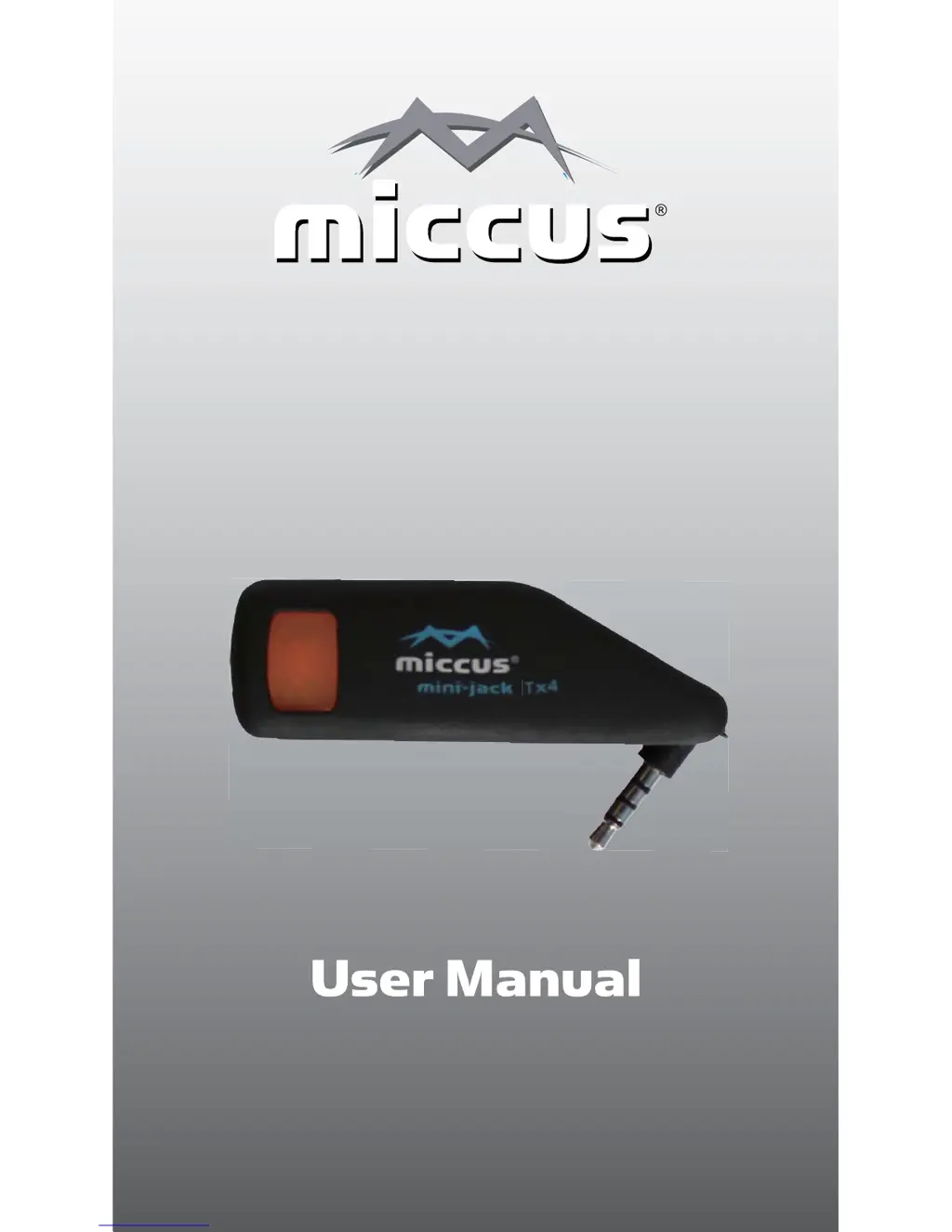
Miccus Mini-jack TX4 - User Manual

Miccus Mini-jack TX4
12 pages
Print Icon
To Next Page IconTo Next Page
Loading...
Bluetooth® Wireless Music Transmitter
www.miccus.com
Mini-jack TX4

Questions and Answers

Summary

Introduction

Technical Data

Contents of Package

Getting Aquainted

Multi-Function Button and LED Indicator

Details the function of the center button for power, pairing, and LED status indication.

Audio Output Swivell Jack

Describes the 3.5mm jack used to connect to audio output sources for transmitting sound.

USB Power Input

Explains the Micro USB port used for powering and recharging the device's internal battery.

Charging

Turning the Mini-jack TX4 On;Off

Pairing the Mini-jack TX4

Dual Pairing Procedure

Detailed steps for pairing a second Bluetooth device, ensuring automatic reconnection.

Playing Music

Visual Indicators

Troubleshooting

Connection Problems & Solutions

Addresses issues like lost connections, distance limitations, and re-pairing procedures.

Device Malfunction & Reset

Covers issues like not charging, erratic operation, and guides for performing a factory reset.

Support

FCC Information

Warning

Miccus Mini-jack TX4 Specifications

General IconGeneral
Bluetooth ProfileA2DP, AVRCP
Audio CodecSBC
Input3.5mm audio jack
Battery LifeUp to 8 hours
ChargingMicro USB
Charging Time2 hours
Frequency Response20 Hz - 20 kHz
OutputBluetooth
Operating RangeUp to 100 ft (30 m)
Power SourceRechargeable battery
Signal-to-Noise Ratio>90dB

Related product manuals