Clear Bilight | 9
HOW TO CHANGE TREATMENT HEADS
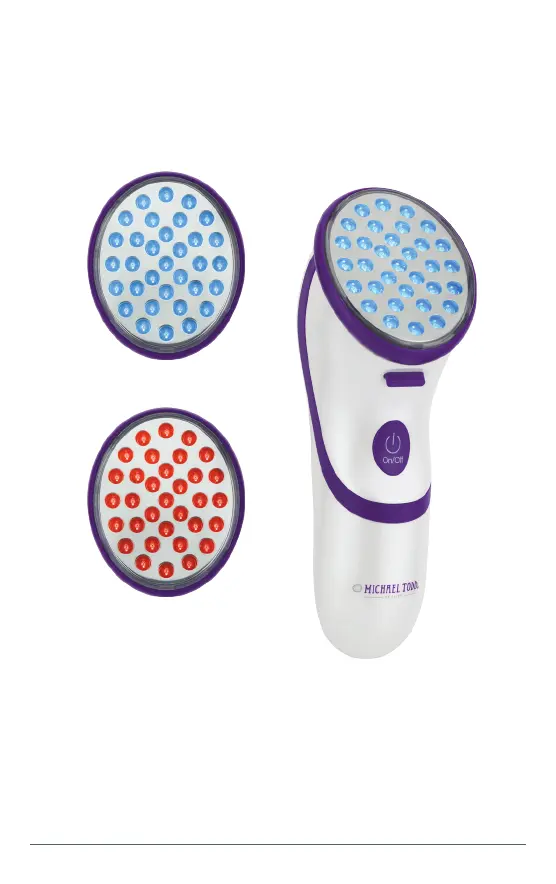
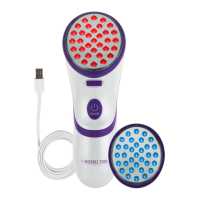
The Clear Bilight Comes With 1 Blue and 1 Red LED Light Treatment
Head marked with color corresponding to each treatment:
Blue and Red Light
Treatment Heads
To change Treatment Heads:
1. Press the Treatment Head Release Lever at the back
of the device and slide out existing Treatment Head.
2. Slide your desired Treatment Head into the slot until it is
securely installed with a clicking sound.


 To Next Page