R60ABD1-Respiratory sleep TuyaWiFi application manual
TEL:0755-88602663 sales@micradar.cn www.micradar.cn
501, West Block, Phase II, Tian 'an Innovation Technology Plaza, Futian District, Shenzhen
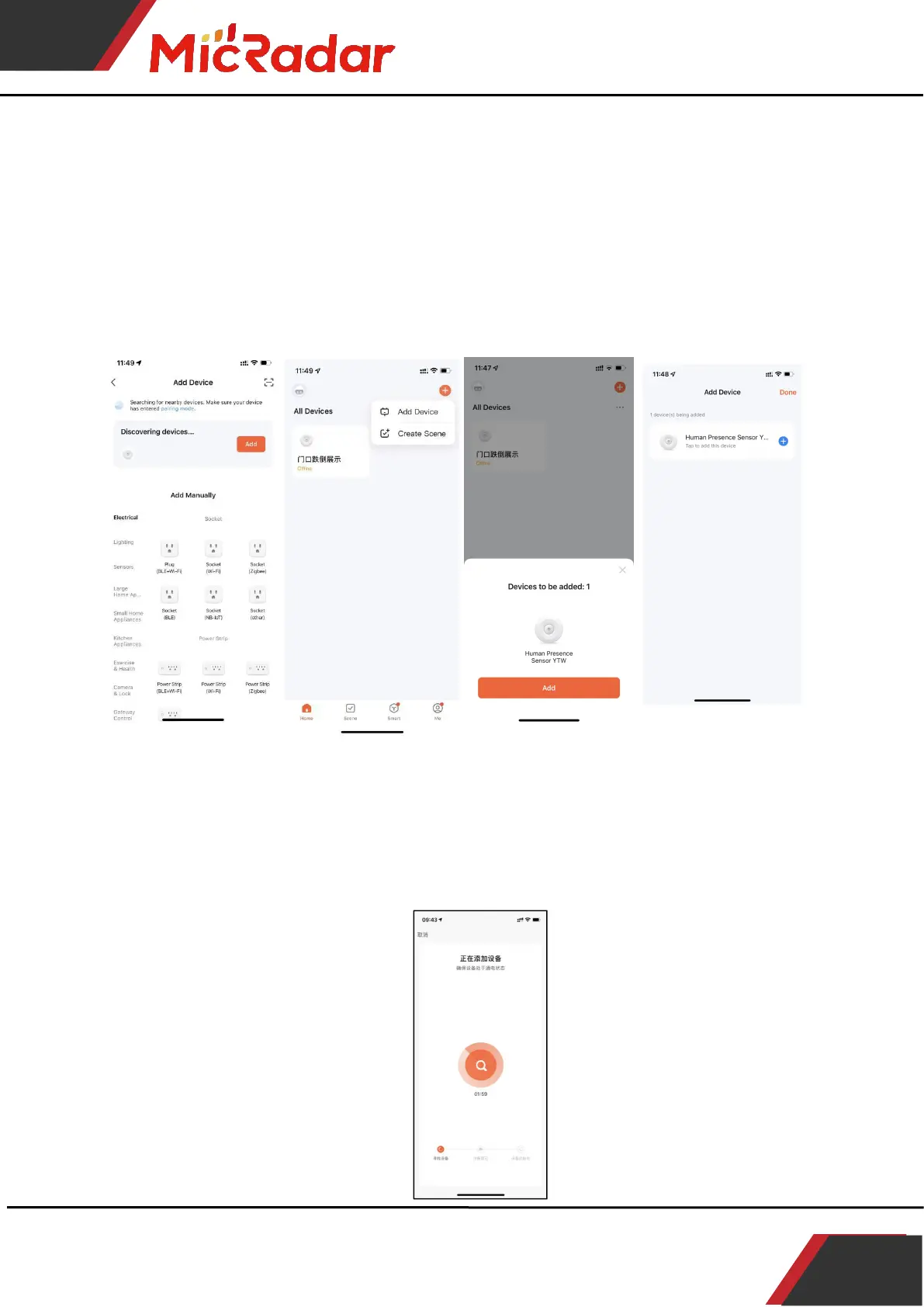
Click the "red plus sign" in the upper right corner of the APP interface
to enter the product category selection page, click "Auto Discovery" in
the upper right corner to search for the device, and click "Next" after
discovering the device.
Fill in the relevant wifi information and click "Next" to configure the
device.
3、Wait for the APP to configure the wifi network until the
network configuration is successful, then the Tuya wifi radar
device can be successfully connected.



 To Next Page