R60ABD1-Respiratory sleep TuyaWiFi application manual
TEL:0755-88602663 sales@micradar.cn www.micradar.cn
501, West Block, Phase II, Tian 'an Innovation Technology Plaza, Futian District, Shenzhen
1.Device distribution routine steps
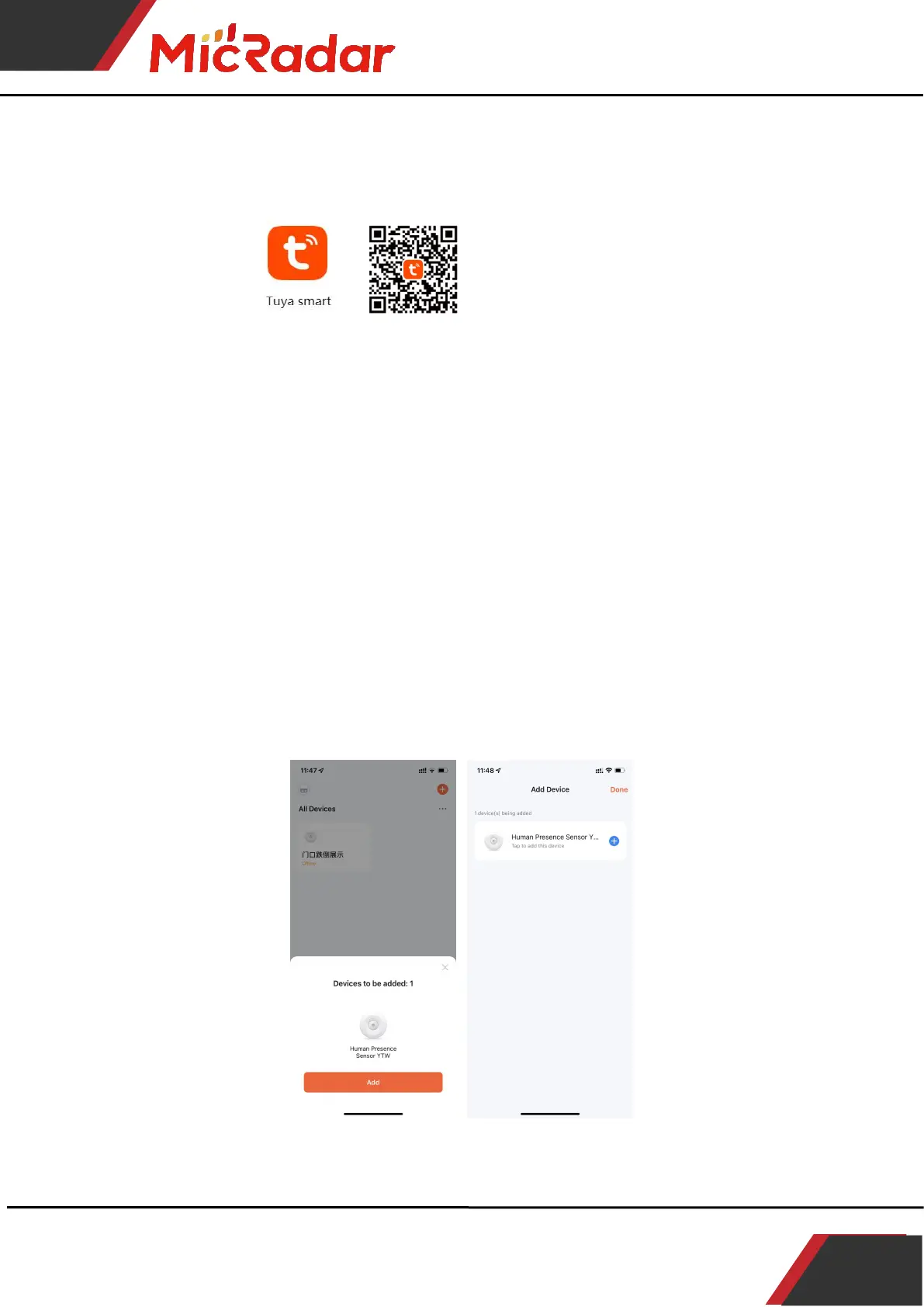
1、Download through the app store: Tuya Smart APP
2、Press and hold the button on the product until the LED light
is off and then release when it flashes. At this time, the
radar resets and enters the network distribution mode. The
network distribution operation can be performed in two ways:
(Note: The phone needs to be connected to 2.4Gwifi, not 5Gwifi)
Method 1 (Bluetooth):
The App interface will pop up "Discover the device to be added: 1". After
clicking to add, the app will automatically connect the device to the
network.
Method 2 ( Wi-Fi ):



 To Next Page