7
Troubleshooting
Problem
Resolution
“No capture device found” error
“Camera not connected” error
Make sure you have connected the webcam correctly into the USB port or try a
different USB port on your PC.
Try removing the previous driver and reinstalling the software. There may be a
conflict with previous camera/scanner software installed on your PC. You may
need to remove the previous software before using this device.
Webcam image is blurry
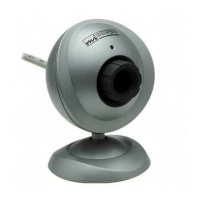
For a sharper image, adjust the focus by rotating the focus ring located on the
front of your webcam.
Webcam image is too dark
(Black or green screen)
Try removing the previous driver and reinstalling the software.


 To Next Page